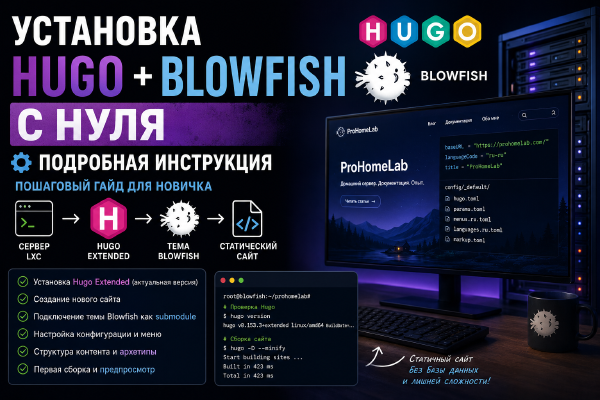
Deploying Hugo Extended and the Blowfish theme from a blank slate: from preparing an LXC and installing Hugo, to creating the site, connecting the theme, setting up the content structure, and the first production build.
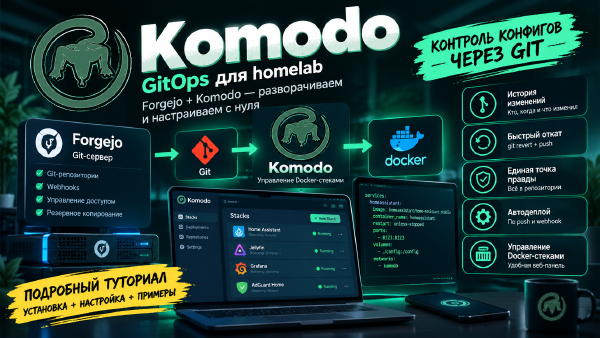
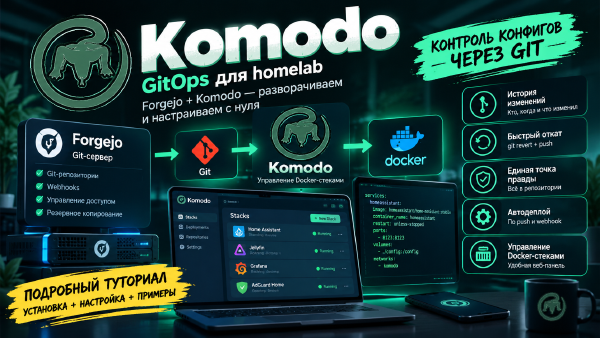
A detailed GitOps tutorial for beginners: deploying Forgejo as your own git server, Komodo to manage Docker stacks, and configuring auto-deploy on push, with every configuration parameter explained along the way.
Step by step, we build a GitOps setup for Docker Compose: Forgejo stores the configuration in Git, Komodo watches for changes and automatically updates the stacks on multiple servers.
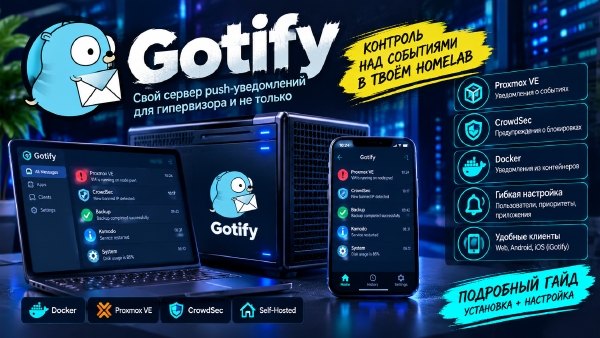
Setting up Gotify in Docker and configuring push notifications from Proxmox VE, CrowdSec, and Komodo - a dedicated channel for infrastructure events, without a single message in the shared Telegram chat.
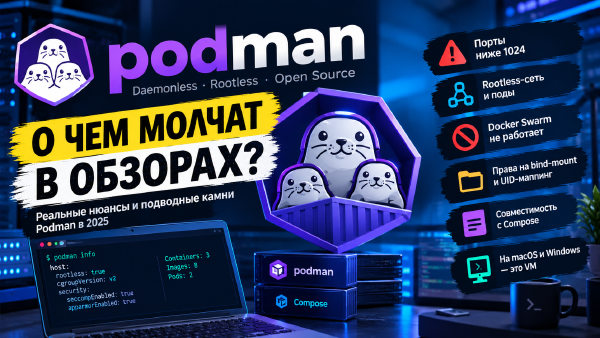
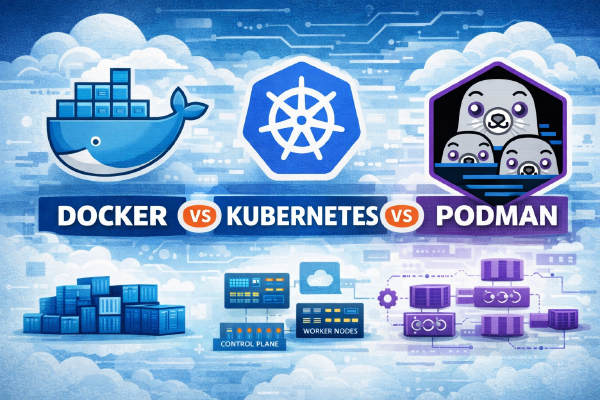
Going over the real limitations of Podman: networking and ports in rootless mode, incomplete Docker Compose compatibility, a VM standing in for the promised daemonless setup on macOS/Windows, no multi-host orchestration, a less mature ecosystem, and a steeper learning curve for newcomers.
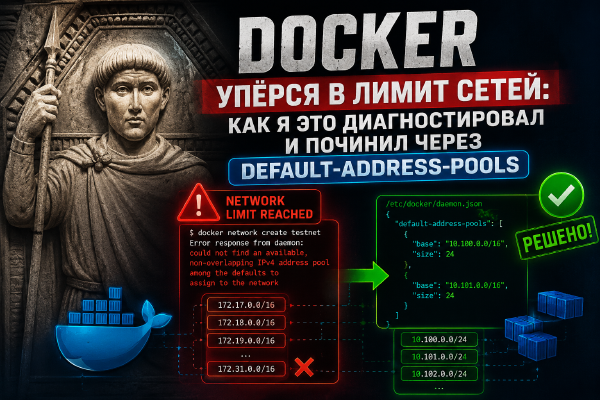
Breaking down a real case: after moving to a dedicated Docker network per compose stack, I hit the could not find an available, non-overlapping IPv4 address pool limit. Why this happens, how to diagnose it, and how to fix it for good via default-address-pools in daemon.json.
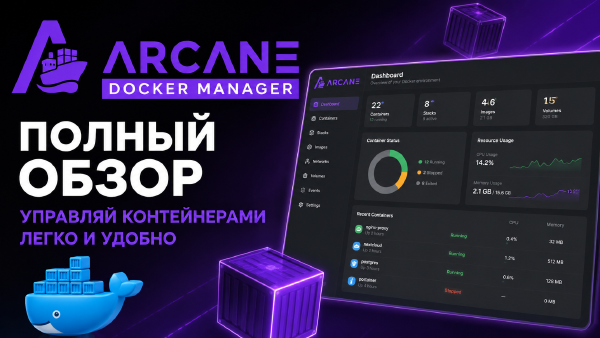
An overview of Arcane - a young but fast-growing web interface for Docker - and a step-by-step guide to installation, configuring secrets, connecting existing compose projects, and basic socket protection.
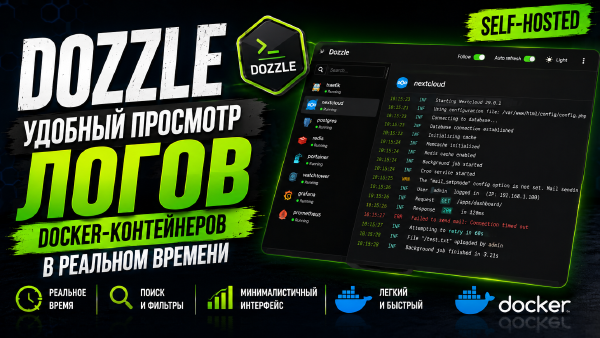
A step-by-step overview of Dozzle - a lightweight self-hosted tool for viewing Docker container logs in real time through a web interface. Installation via Docker Compose, setting up authentication, multi-host mode via agents, and recommendations for docker.sock security.
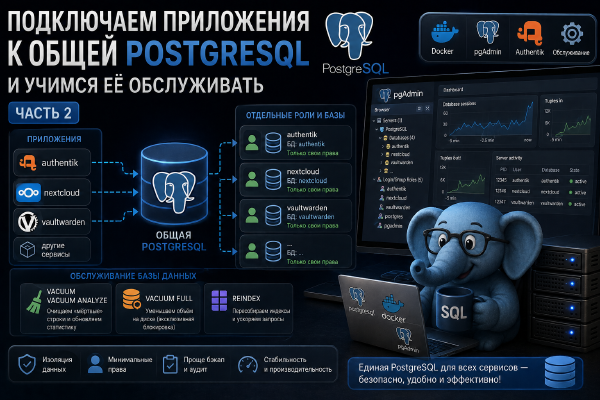
The second part of the series on a shared PostgreSQL for a home server. We create a dedicated, minimally privileged user and database in pgAdmin for a specific application, connect Authentik to the shared database instead of its own container, and cover basic maintenance - VACUUM, ANALYZE, REINDEX, and when you actually need to do any of this by hand.
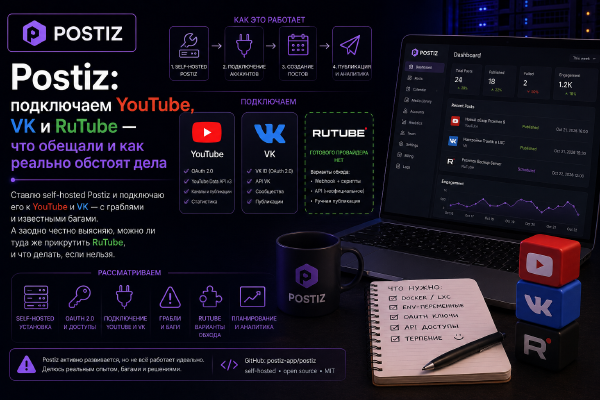
I set up self-hosted Postiz and try to connect it to YouTube, VK, and RuTube - walking through the real steps, the required env variables, and known bugs. In the end, out of three platforms, only one works reliably, and I honestly explain why.
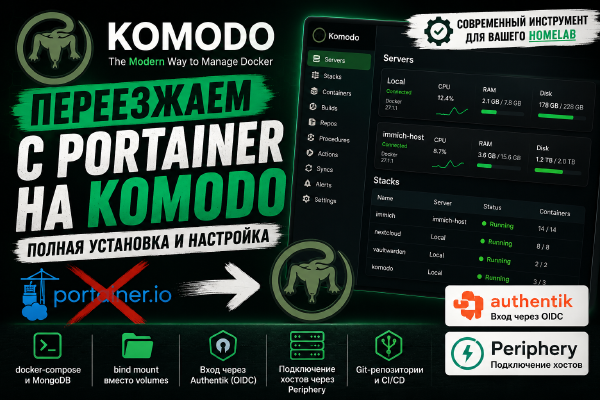
A step-by-step guide to installing Komodo as a Portainer alternative: docker-compose, MongoDB, bind mounts instead of volumes, login via Authentik (OIDC), and connecting additional hosts via Periphery.
ProHomeLab is open to authors who want to share their knowledge and practical experience in the world of homelabbing.
If you’re building your own home infrastructure, experimenting with servers, virtualization, containers, networking, NAS, monitoring, or automation, I’d love to feature your experience on the site.
It doesn’t matter how big your home lab is. What matters isn’t the number of servers in the rack, but real experience, interesting solutions, and knowledge worth sharing with others.
What you can write about # The topics ProHomeLab covers are fairly broad. For example:
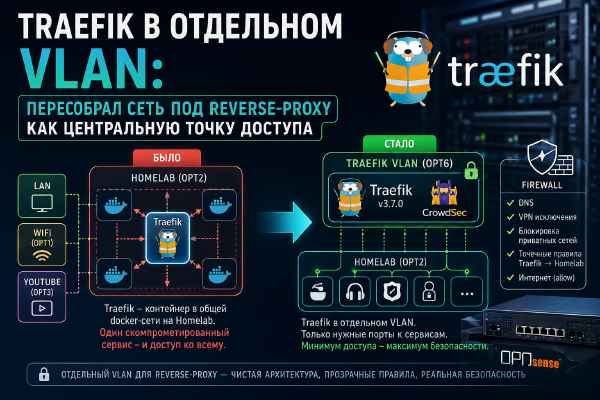
I’m moving Traefik to a dedicated VLAN and restructuring my homelab network architecture: the reverse proxy becomes the central access point to services, while OPNsense controls network access between VLANs.
Part three of the Traefik-in-LXC series - installing CrowdSec in the same container as Traefik itself. Scenario collections, a remediation profile with Gotify notifications, log sources (Traefik, syslog, AppSec), and wiring the bouncer plugin back into Traefik.
Middleware is the second most important building block of Traefik after routers. In this article I break down what it is, why it’s needed, how it’s applied, what a chain is, and I go through all the middlewares from the open-source version of Traefik with the configuration examples I use myself.
Continuing the series about Traefik in LXC - from a test binary to a working configuration. Cloudflare token, final static config, wildcard certificate, dashboard protection via Basic Auth, log rotation, dynamic config structure, and migrating a dozen services from Docker labels to the file provider. CrowdSec is planned as a separate follow-up.
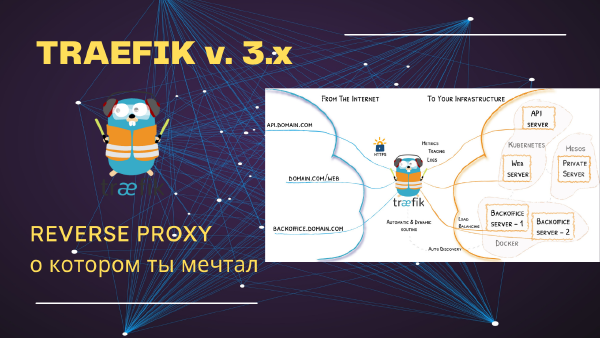
A detailed guide to installing and configuring Traefik in an LXC container to set up a reverse proxy. Covers Docker setup, routing configuration, SSL integration, and recommendations for managing web traffic.
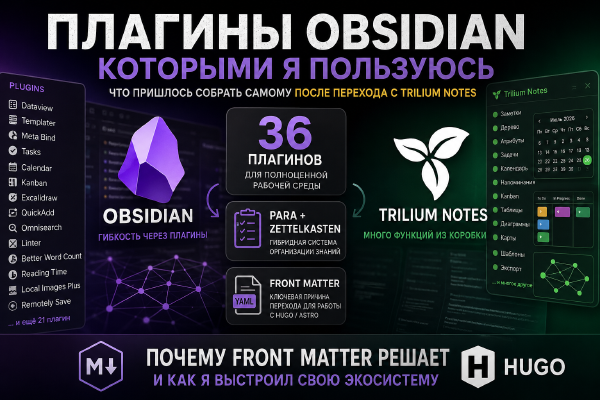
A rundown of 36 Obsidian plugins that replaced Trilium Notes’ built-in functionality after the move - from Templater and Bases to Excalidraw and Kanban. I compare the philosophy of the two systems and explain why the deciding factor was YAML Front Matter support for publishing articles via Hugo.
Continuing the series of articles about a home NAS on Fedora Server 44. This time we set up automatic creation and cleanup of ZFS snapshots using Sanoid, go over the snapshot retention policy and systemd timers, and get acquainted with Syncoid for future data replication to a backup server.
We build a modern home NAS on Fedora Server 44 with the OpenZFS filesystem, the Cockpit web interface, and the Samba file server. A complete step-by-step guide to installation, ZFS configuration, SELinux, and publishing an SMB share.
A practical guide to OPNsense 26.1 - installing on bare metal, configuring the firewall, GeoIP, FireHOL and CrowdSec, plus network monitoring and protecting your home lab.
A complete guide to installing and configuring Proxmox Backup Server 4.2.0 for building a reliable backup system for Proxmox VE virtual machines and containers.
A complete guide to installing and configuring Dockhand - a simple and convenient web UI for managing Docker containers in homelab and production environments.
Netbird lets you publish local services to the internet without opening ports, using secure tunnels and a convenient web interface - an ideal solution for a home server and homelab.
Pangolin lets you publish local services to the internet without opening ports, using secure tunnels and a convenient web interface - an ideal solution for a home server and homelab.
A detailed walkthrough for installing and configuring Grimmory: deploying it in Docker, adding books, organizing your library, and using the built-in web reader.
A detailed guide to installing and configuring BookLore: deploying it in Docker, adding books, organizing your library, and using the built-in web reader.
A look at Memos, a lightweight self-hosted note-taking app - basically a self-hosted Google Keep replacement. Who it’s for (and who it isn’t), plus an up-to-date docker-compose behind Traefik with every variable explained.
A step-by-step setup of the Reputation Policy and GeoIP in Authentik for restricting access by IP reputation and country, with a breakdown of typical protection scenarios.
A step-by-step guide to setting up email notifications in Authentik: connecting SMTP, enabling event notifications, configuring email templates, and verifying delivery.
A detailed guide to setting up Cloudflare Turnstile - a modern alternative to CAPTCHA for protecting login, registration, and password recovery forms without degrading the user experience.
A detailed guide to setting up password recovery in Authentik, covering flows, stages, and policies, along with recommendations for protecting against username enumeration attacks.
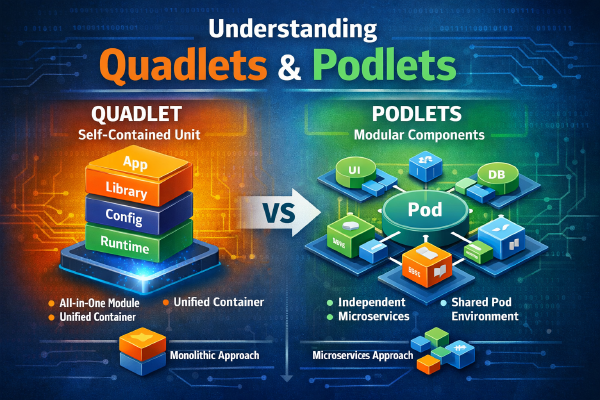
Podman is a daemonless container engine focused on security and rootless operation. A look at the project’s history, architecture, differences from Docker, pods, Quadlet, and Podlet - and when it’s worth switching.
In 2025, open source faced problems that go beyond code: from burnout and resignations of key contributors to licensing restrictions and pressure from big platforms. We break down what happened with major projects and how it reflects systemic challenges for the entire ecosystem.
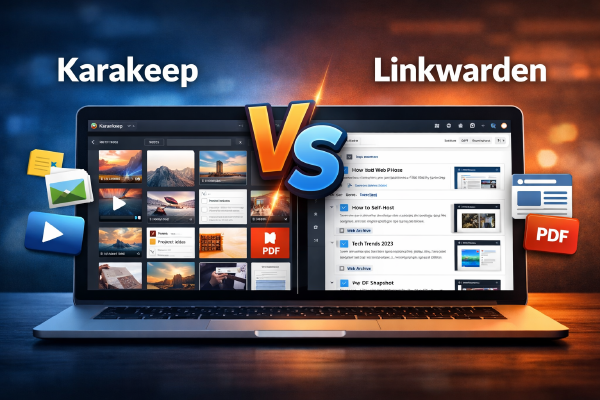
A detailed comparison of Karakeep and Linkwarden - self-hosted bookmark and link archive managers. We break down features, differences, architecture, a comparison table, and recommendations for homelab and DevOps.
In this article we’ve rounded up the most interesting self-hosted apps that appeared in 2025. From media servers and productivity tools to security and automation systems - let’s look at what’s worth trying and why.
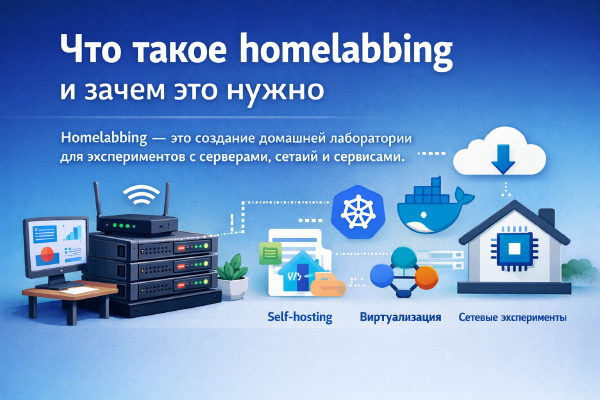
Homelabbing is building a home lab for experimenting with servers, networks, and services. It helps you learn technologies, test new solutions, and develop practical IT skills.
Quadlet is Podman’s declarative systemd unit format, and Podlet is a utility that generates those units from podman run and docker-compose.yml. A hands-on look at both tools, compared against Docker Compose.
A detailed explanation of how Authentik’s Proxy Provider adds authentication and SSO to any application. A simple flow diagram, key concepts, and usage examples.
A detailed overview of the initial setup of Authentik - an open source system for centralized authentication and authorization (IdP/SSO). We’ll walk through the very first steps of setting up Authentik.
The history of the creation and development of OPNsense - a branch of the pfSense project that became an independent and actively developed open-source solution. We look at the reasons for the fork, the philosophy of the project, key stages of development, and how OPNsense differs from other open-source routers.
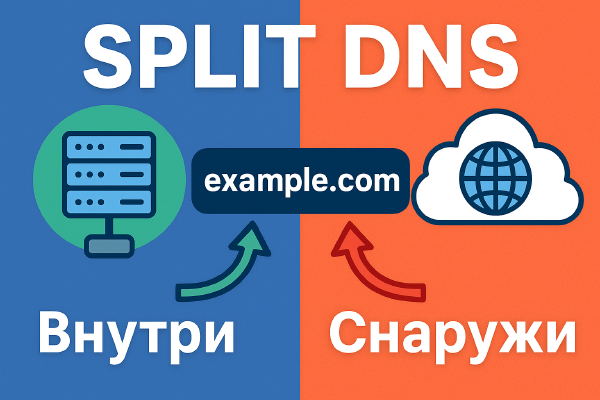
Split DNS - configuring domain names with different resolution for the internal network and the internet. Operating principles, advantages, and usage examples.
A detailed guide to installing and configuring Diun for tracking Docker image updates. Covers deployment steps, integration with notification services, and monitoring automation, so you can update your containers on time and improve system security.
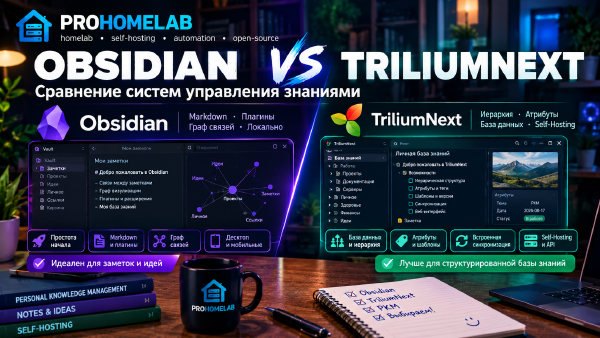
A detailed comparison of Obsidian and TriliumNext: two powerful systems for organizing notes and a personal knowledge base. Which one should you choose for your workflow?
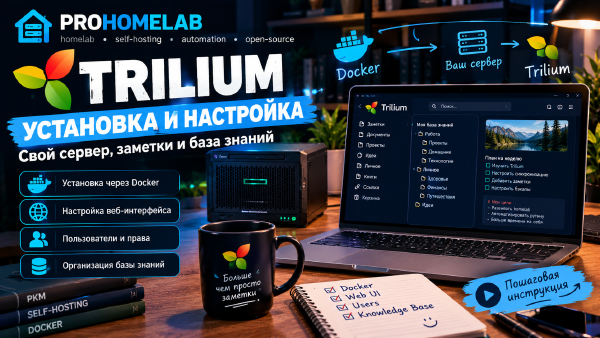
A step-by-step guide to installing and configuring Trilium for organizing notes and knowledge bases on a personal server. Covers installation via Docker, web interface setup, users, and recommendations for effective note management.
A step-by-step guide to installing Vaultwarden - a lightweight self-hosted version of Bitwarden. From a basic docker-compose to an advanced configuration with SSO and push notifications.
A detailed guide to installing and configuring Nextcloud in an LXC container - MariaDB as shown in the video (with an external PostgreSQL option), optional data on an NFS share, PHP-FPM/OPCache/APCu/Redis, live updates via notify_push, and the Memories photo gallery with video transcoding.
A step-by-step guide to installing and configuring Nextcloud AIO for deploying a personal cloud server. Covers installation via Docker, user configuration, storage and web interface setup, and integration with mobile devices.
A step-by-step guide to installing and configuring Mealie for managing recipes on your own server. Covers installation via Docker, database setup, the web interface and mobile access, integration with external recipe sources, plus the new AI features (importing recipes from video) and unit standardization.
A detailed overview of Authentik - an open-source system for centralized authentication and authorization (IdP/SSO). We’ll cover why IAM solutions are needed, the architecture, key features, and a comparison with alternatives.
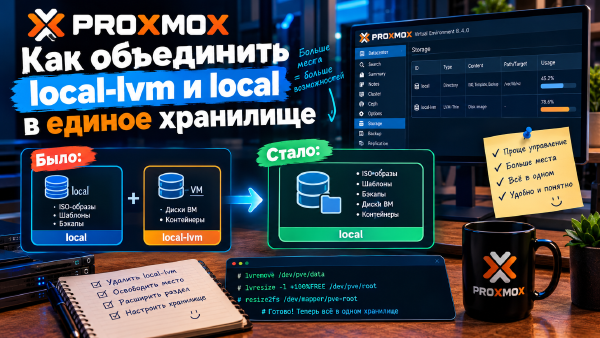
A step-by-step guide to merging the local-lvm and local storages in Proxmox into a single logical storage. Covers the commands and settings that help you use space more efficiently and simplify management of virtual machines and containers.
An overview of the main storage types in Proxmox that support High Availability (HA). Covers local-lvm, Ceph, NFS, iSCSI, DRBD9/LINSTOR, and other options, their upsides and limits, plus recommendations for a reliable, scalable cluster.
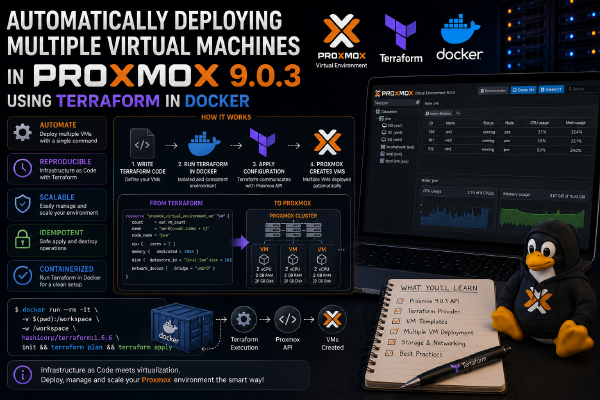
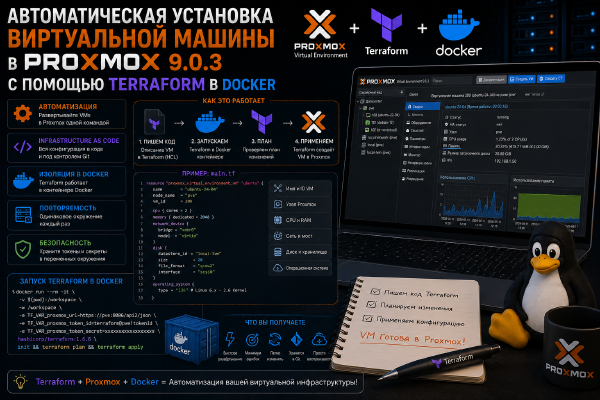
A step-by-step guide to automatically deploying multiple virtual machines in Proxmox 9.0.3 using Terraform in Docker. Covers environment setup, writing Terraform configurations, and automating VM deployment to speed up working with Proxmox.
A detailed guide to building and configuring a cluster in Proxmox. Covers steps for joining multiple nodes, setting up highly available virtual machines and containers, plus basic recommendations for cluster management and monitoring.
A breakdown of why Ceph can be overkill for home use. Covers the complexity of setup and maintenance, resource costs, and recommendations for simpler and more efficient alternatives for a home server and Proxmox.
A detailed guide to configuring Proxmox’s built-in firewall to protect virtual machines and containers. Covers creating rules, configuring network zones, traffic management, and recommendations for securing your cluster.
A detailed guide to configuring SDN in Proxmox for centralized management of virtual networks. Covers creating virtual network segments, configuring VXLAN, integrating with the firewall, and recommendations for managing network resources.
A detailed guide to installing and configuring CrowdSec inside an LXC container. Covers the key steps from deployment to integrating server protection and activity monitoring, to quickly secure a virtualized environment.
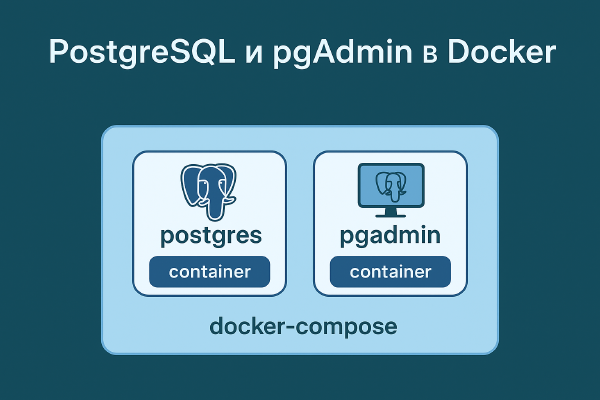
A detailed guide to installing and configuring PostgreSQL on a server. Covers installation steps, creating users and databases, setting up backups, and basic security for stable and reliable operation.
A step-by-step guide to automatically deploying virtual machines in Proxmox 9.0.3 using Terraform in Docker. Covers environment setup, writing Terraform configurations, and automating VM deployment to speed up and simplify working with Proxmox.
A detailed look at TOTP, WebAuthn, passkeys, and Passwordless Login: how they work, their strengths and weaknesses, and recommendations for choosing the right technology for logging into your services.
A step-by-step guide to safely migrating from Proxmox 8 to version 9. Covers server preparation, backups, package upgrades, and compatibility checks for virtual machines and containers to minimize downtime.
A step-by-step guide to installing and configuring Authelia in Docker - deployment, 2FA configuration, Traefik integration via forwardAuth, and a breakdown of the main config parameters.
A step-by-step guide to installing and configuring Zitadel for two-factor authentication behind a reverse proxy. Covers user configuration, Docker integration, and recommendations for improving the security of web services.
A step-by-step guide to installing and configuring Keycloak for SSO and two-factor authentication behind a reverse proxy. Covers the Docker Compose configuration, first login to the admin console, creating a realm and a client, and recommendations for improving security.
A comparative overview of popular authentication solutions: Authelia, Authentik, Keycloak, and Zitadel. Covers the capabilities, pros and cons of each service, use-case scenarios, and recommendations for choosing the right tool for home or corporate use.
A detailed guide to installing and configuring CrowdSec in a Docker container. Covers the steps from deployment to integrating server protection and activity monitoring, to quickly secure your hosting and services.
A step-by-step guide to installing and configuring Traefik in Docker to set up a reverse proxy and manage web traffic. Covers container configuration, routing, SSL integration, and recommendations for managing web services.
A detailed guide to setting up CloudInit for automatic server configuration. Covers key files, parameters, and examples for quickly deploying Linux systems with minimal effort.
A step-by-step guide to creating and configuring templates in Proxmox for quickly deploying virtual machines and containers. Covers creating templates, saving configurations, and recommendations for managing and updating images.
An overview of the advantages and disadvantages of virtualizing a router (OPNsense, pfSense, MikroTik CHR) in Proxmox VE - when it’s worth it and when it’s better to keep dedicated hardware.
A detailed guide to setting up SSL in Proxmox for secure access to the web interface and API. Covers certificate generation and installation, HTTPS setup, and recommendations for maintaining cluster security.
A detailed guide to installing and configuring Fedora Server 42. Covers the main steps: installing the system, configuring users, network services, and a baseline configuration for a secure and stable server.
A step-by-step guide to installing and configuring Linkwarden for securely managing your links. Covers server installation, user setup, browser and mobile device integration, and basic security settings.
A complete guide to installing and configuring Audiobookshelf for storing and listening to audiobooks on your own server. All steps are covered, from installation to the web interface and mobile access.
A step-by-step guide to configuring DNS over HTTPS (DoT) in OPNsense for secure and encrypted domain name resolution. Covers configuring DNS services, setting up certificates, and verifying operation on client devices.
A detailed guide to installing and configuring Kea DHCP in OPNsense. Covers configuring DHCP servers, managing IP address ranges, setting up static assignments, and verifying network operation for reliable and flexible address allocation.