
Docker vs Podman vs Kubernetes - A Detailed Comparison of Container Technologies#
If you enjoyed this article, you can support the author by becoming a sponsor on Boosty (link in the contacts section).
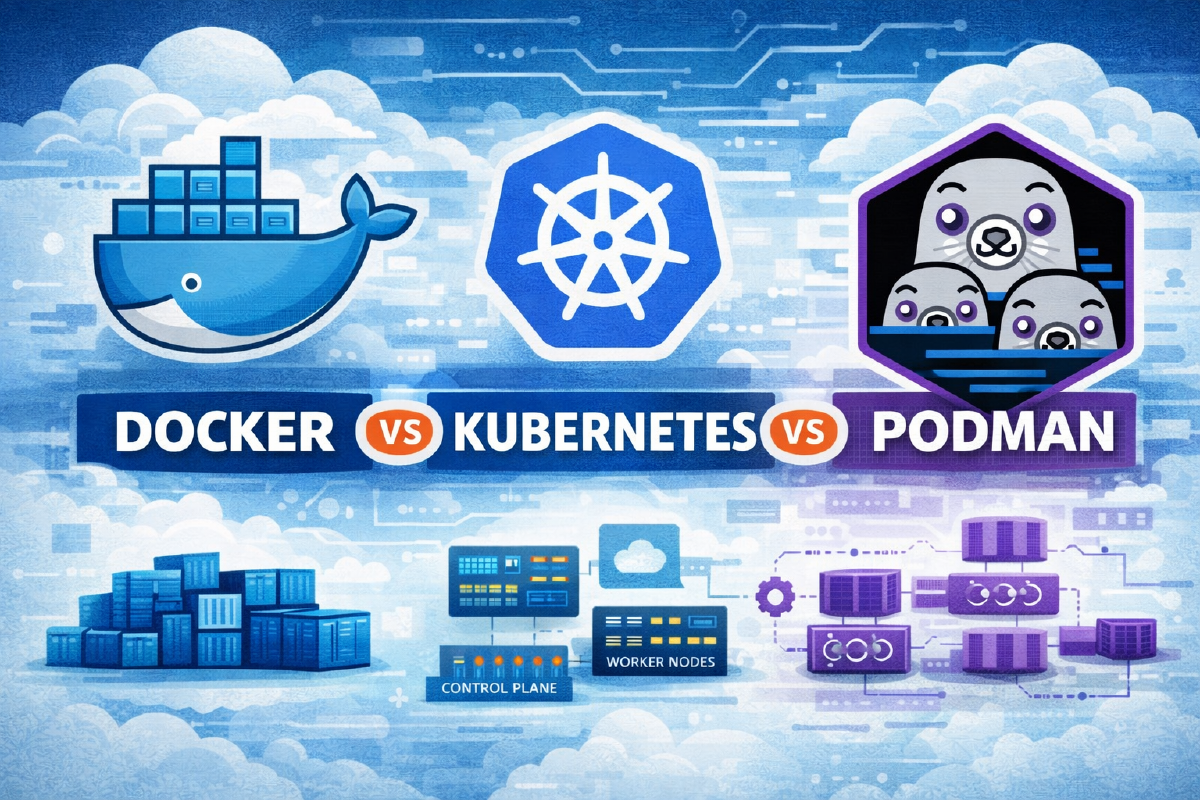
Containerization has long become the de facto standard for shipping and running applications, but the umbrella term “containers” actually hides tools of completely different levels. Docker and Podman are engines for running and building containers on a single machine. Kubernetes is an orchestrator that manages a cluster of such machines. They’re often confused or compared directly, even though, strictly speaking, they’re in different weight classes. In this article I’ll go through the architecture, overhead, and use cases of all three in detail, so it’s clear what actually makes sense to compare with what.
1. How these solutions relate to each other#
| Solution | Level | Primary purpose |
|---|---|---|
| Docker | Container runtime + tooling | Packaging, running, and managing containers |
| Podman | Container runtime (daemonless) | An alternative to Docker with a focus on security |
| Kubernetes | Container orchestration | Managing clusters and application lifecycles |
It’s worth stating upfront: Kubernetes is not a replacement for Docker or Podman, but a layer on top of them. A Kubernetes cluster still uses a container runtime somewhere inside (containerd, CRI-O, and historically Docker itself via dockershim, which, incidentally, was removed from Kubernetes long ago). So the correct comparison looks like this: Docker vs Podman is a choice of runtime for a single machine, while Kubernetes is a separate question of whether you need orchestration at all.
2. Docker#
2.1 Architecture#
Docker works on the classic client-server model:
- Docker CLI - what the user interacts with;
- dockerd - a daemon that runs constantly in the background with root privileges and actually manages the containers;
- containerd and runc - lower-level components that directly launch the processes.
The call chain looks like this: Docker CLI → dockerd → containerd → runc → container. The key detail here is dockerd: it’s always present, runs with maximum privileges, and is the single point through which literally all container operations pass.
2.2 Key features#
- image building via
Dockerfile; - Docker Compose for multi-container applications;
- Docker Hub and compatibility with any OCI registries;
- its own volume and network drivers;
- to this day, the widest ecosystem of ready-made images, plugins, and learning materials.
2.3 Overhead#
From a resource standpoint, the main price Docker pays for convenience is a constantly running daemon. Even with no containers running at all, dockerd already takes up some amount of memory (usually around 50-150 MB, depending on version and configuration) and adds an extra layer of system calls between the user’s command and the actual process launch.
From a security standpoint - dockerd runs as root by default, meaning a theoretical compromise of the daemon potentially gives a compromise of the whole host. Rootless mode exists in Docker and is gradually becoming more convenient, but it still requires separate setup and has more practical limitations (for example, around networking and some storage features) than rootless in Podman, where it’s the base mode of operation rather than an add-on.
2.4 Advantages#
- low barrier to entry - a huge number of ready-made tutorials, compose files, and images “out of the box”;
- maximum compatibility with existing CI/CD pipelines and cloud services;
- a mature ecosystem of tools (Docker Desktop, Docker Scout, and so on).
2.5 Disadvantages#
- a root daemon as a potential single point of failure and attack;
- rootless mode is less mature than Podman’s;
- Docker Desktop requires a paid subscription for commercial use at companies past a certain size - worth keeping in mind when choosing for work tasks, although the Docker Engine itself remains open source.
3. Podman#
3.1 Architecture#
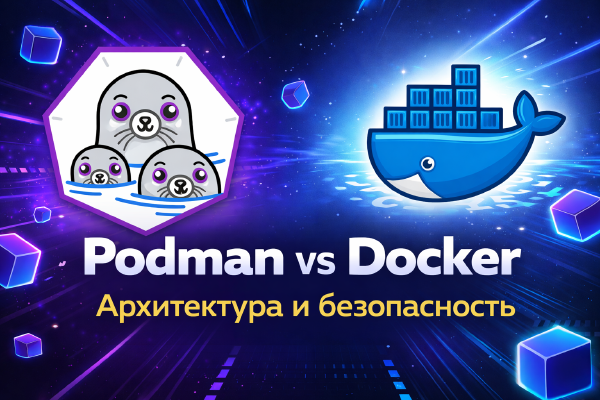
Podman is built on a fundamentally different principle - no daemon:
Podman CLI → conmon → runc/crun → container
Each container runs as a regular child process of the current user, with no permanently running intermediary in the background. This isn’t a cosmetic difference but the foundation of the whole architecture: no daemon means no single point of failure and no single target for an attack.
3.2 Key features#
- rootless containers by default, not as an option;
- full support for
Dockerfileand its ownContainerfileformat; - running regular
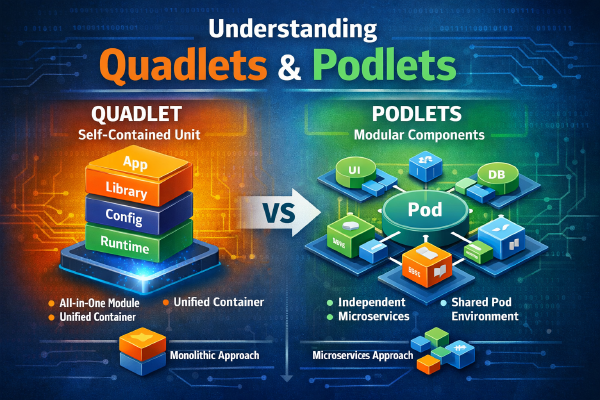
docker-compose.ymlfiles viapodman compose- a thin wrapper that calls either the originaldocker-composeor the separatepodman-composeproject; - native generation of systemd units via Quadlet - I have a separate article on this in more detail;
- a CLI practically compatible with Docker (
alias docker=podmanworks without surprises in most cases).
3.3 Overhead#
Podman uses fewer resources at idle precisely because there’s nothing running in the background - there’s simply no daemon. From a security standpoint, containers are isolated by default through user namespaces, modern rootless networking is built on pasta (Podman 6 dropped the old slirp4netns entirely), and Podman itself works well for multi-tenant environments, where several users on the same machine shouldn’t be able to affect each other’s containers.
3.4 Advantages#
- improved security thanks to the daemonless architecture and a full rootless mode;
- less overhead, which is especially noticeable on servers and VPS instances with limited resources;
- fully open source with no commercial restrictions on use, and since 2025 a CNCF project too, so it isn’t tied to a single company.
3.5 Disadvantages#
- noticeably fewer learning materials and ready-made recipes than Docker - a lot has to be googled or figured out from the documentation;
podman-composeis historically less mature and not 100% compatible with the full Docker Compose syntax (you can partly work around this by running the originaldocker-composeon top of Podman’s socket - details in the drawbacks article linked below);- some Docker-oriented tools and GUIs out of the box are built specifically around the
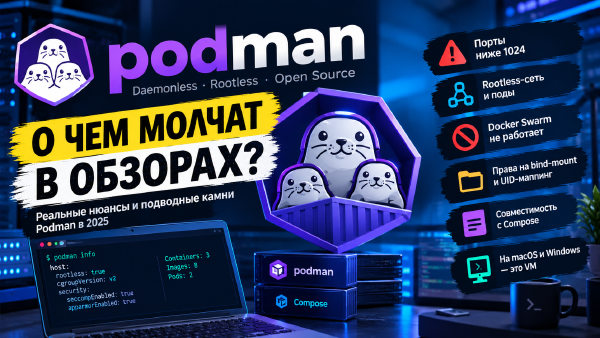
dockerdsocket, and with Podman require either a compatible API socket (podman system service) or some manual tweaking.
If you want to go deeper on Podman than a comparison piece like this one allows, I’ve got two dedicated articles: a detailed look at the project’s architecture and history in Podman - A Modern Alternative to Docker, and an honest rundown of its real-world limitations in Podman - The Other Side of the Coin.
4. Kubernetes#
4.1 Architecture#
Kubernetes is a distributed orchestration system, not a runtime by itself. It operates on a fundamentally different scale: not a single host, but a cluster of nodes.
Control Plane is responsible for the state of the entire cluster:
- API Server - the entry point for all requests;
- Scheduler - decides which node to run a pod on;
- Controller Manager - makes sure the actual state matches the desired state;
- etcd - a distributed store for the cluster’s state.
Worker Nodes directly run the workloads:
- kubelet - the agent that manages pods on the node;
- container runtime (containerd, CRI-O - this is exactly the level where Kubernetes talks to what we discussed above);
- kube-proxy - network rules and load balancing within the cluster.
4.2 Key features#
- self-healing - automatic restart of crashed pods;
- horizontal and vertical autoscaling;
- service discovery and built-in load balancing;
- rolling updates with no downtime;
- fully declarative configuration via YAML manifests.
4.3 Overhead#
Here Kubernetes honestly loses on simplicity: even a single-node cluster (say, k3s or minikube) requires noticeably more resources than Docker or Podman - a realistic minimum for comfortable work starts at 1-2 GB of RAM, etcd is fairly demanding on disk IOPS, and installing and subsequently maintaining a cluster is its own area of expertise, not a couple of terminal commands.
4.4 Advantages#
- the de facto industry standard for orchestration;
- high scalability and fault tolerance;
- effectively a mandatory choice for serious production and high availability.
4.5 Disadvantages#
- clear overkill for a single server or a home lab;
- a high barrier to entry - concepts like Ingress, Services, ConfigMaps, and RBAC need to be learned separately;
- excessive complexity for small workloads, where a single server running Podman with Quadlet units would handle the job perfectly well.
5. Direct comparison#
5.1 Docker vs Podman#
| Criterion | Docker | Podman |
|---|---|---|
| Daemon | Yes (dockerd, root) | No |
| Rootless | Limited, requires setup | Full mode by default |
| Security | Medium | High |
| CLI/Dockerfile compatibility | Reference implementation | Nearly full |
| Idle resource usage | Higher | Lower |
| systemd integration | Via workarounds | Native (Quadlet) |
For servers and homelabs where there’s no hard requirement specifically for the Docker Desktop ecosystem, Podman looks like a logical, and in my view more secure, replacement.
5.2 Docker/Podman vs Kubernetes#
| Criterion | Docker / Podman | Kubernetes |
|---|---|---|
| Purpose | Running containers | Cluster orchestration |
| Scale | Single host | Multiple nodes |
| Auto-recovery | Partial (via Restart= in systemd/Compose) | Full, built-in |
| Barrier to entry | Low | High |
6. Typical use cases#
| Scenario | Recommended solution |
|---|---|
| Homelab | Podman or Docker - depends on habits |
| Single VPS | Podman (less overhead, rootless by default) |
| CI/CD runners | Docker or Podman - both are common |
| Enterprise production with multiple servers | Kubernetes |
| Edge / IoT devices | Podman - lower resource usage |
| Microservices with autoscaling | Kubernetes |
7. Final conclusions#
When to choose Docker: you need the fastest possible start, you’re learning or doing desktop development, maximum compatibility with existing tutorials and pipelines matters - Docker still has no equal in this sense in terms of the volume of material available.
When to choose Podman: it’s about a server or VPS with elevated security requirements, and you want rootless containers without jumping through hoops, and the infrastructure is already built around systemd - for homelab and self-hosting, I personally consider Podman the more sensible default choice.
When to choose Kubernetes: you need real scaling, high availability, and a production cluster of multiple nodes, or you’re building a cloud-native architecture from the start. For a single server at home, Kubernetes is almost always overkill - Podman with Quadlet units will handle the job more simply and with less overhead.
There’s no universal winner here - these are three tools for tasks of different scale, and the choice should be driven by the actual use case, not by “everyone does it that way.”
Useful links: