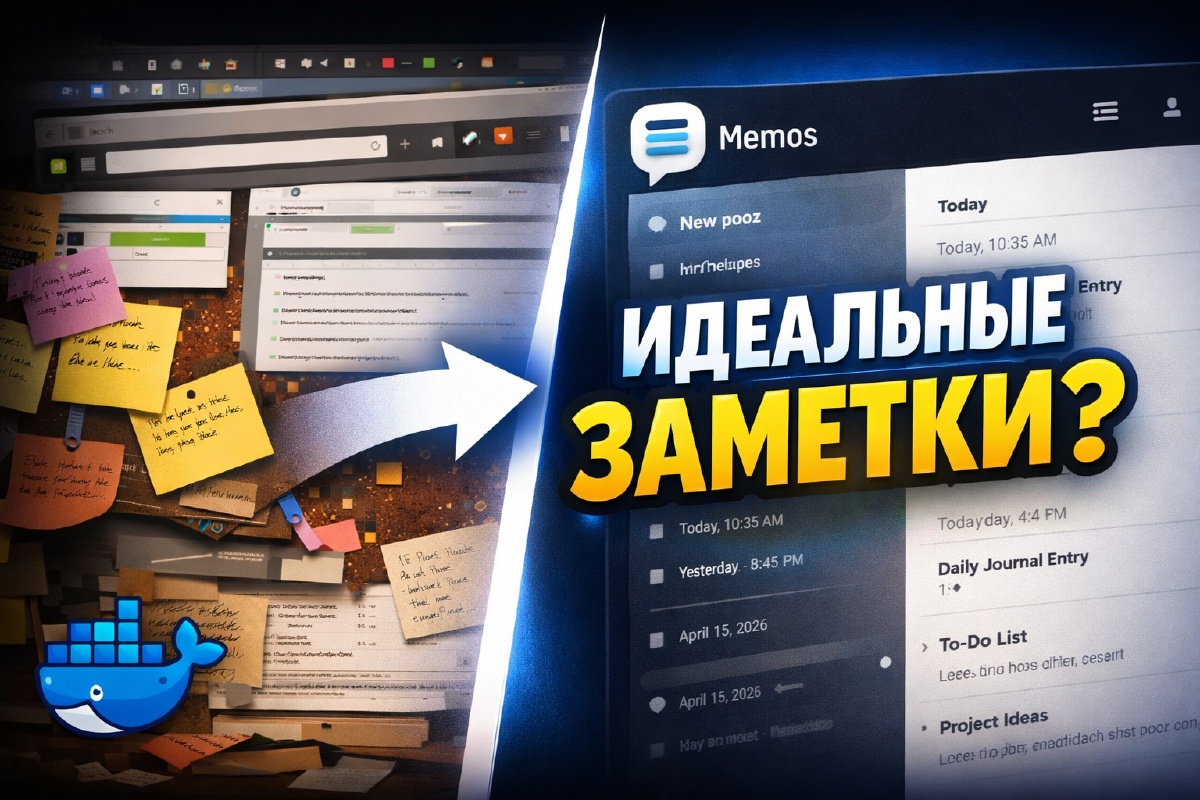

If you don’t need a full-blown PKM system like Obsidian or Trilium, and just want to jot down a thought before you lose it, Memos fills that exact gap. It’s basically a self-hosted Google Keep: lightweight, no bloated interface, but with your own server under the hood and full control over your data.
I go through it in the video and do a full write-up alongside it - what it is, who it’s for, and how to get it running in Docker.
What Memos is#
Memos is an open-source note-taking app built around a timeline. No page hierarchy, no databases inside notes, no block structures like you’d get in Notion or Obsidian - just a chronological feed of short entries written in Markdown, with tags right in the text and fast search.
If Obsidian or Trilium is a full-on knowledge base, Memos is closer to a technical microblog for yourself: drop a thought, slap a tag on it, move on.
Who it’s for#
Memos makes sense if you don’t need nested structures, links between notes, kanban boards, or full wiki logic.
What you do need is a fast way to capture a thought, a project idea, or a quick technical note without opening a heavyweight PKM app. It’s essentially a self-hosted alternative to Google Keep or Apple Notes, except your notes stay on your own server instead of flying off to someone else’s.
Timeline and tags#
Every entry lands in a single chronological feed - handy for jotting down ideas as you work through a project. Tags (#docker, #proxmox, #traefik) let you filter down to what you need later without scrolling through everything.
Multiple users#
You can set up separate users with isolated data and roles - useful if you want one instance for the whole family or a small team instead of spinning up a Memos instance for each person.
Minimal requirements#
No external PostgreSQL, no heavy dependencies, no complicated config out of the box - by default Memos runs on SQLite. That makes it a solid candidate for a mini PC, a single-board computer, or a small VPS where you have no reason to run anything heavier.
Sample docker compose file from the video#
Here’s the config I used in the video - Memos behind Traefik, proxied through a domain:
services:
  memos:
    image: neosmemo/memos:stable
    container_name: memos
    #ports:
    #  - "5230:5230"
    volumes:
      - /home/user/docker/memos:/var/opt/memos
    environment:
      - MEMOS_PORT=5230
      - MEMOS_INSTANCE_URL=https://memos.domain.ru
    restart: unless-stopped
    networks:
      proxy:                              # Attach the container to the external "proxy" network (used by Traefik)
    labels:                               # Labels for Traefik integration (reverse proxy)
      - "traefik.enable=true"                                      # Turns on Traefik handling for this container
      - "traefik.http.routers.memos.entrypoints=web"             # Defines the HTTP entrypoint (port 80)
      - "traefik.http.routers.memos.rule=Host(`memos.domain.ru`)"  # Traffic for this domain gets routed to this container
      - "traefik.http.middlewares.memos-https-redirect.redirectscheme.scheme=https"         # Middleware for the HTTP-to-HTTPS redirect
      - "traefik.http.routers.memos.middlewares=memos-https-redirect"          # Apply the redirect middleware to the HTTP route
      - "traefik.http.routers.memos-secure.entrypoints=websecure"          # Defines the HTTPS entrypoint (port 443)
      - "traefik.http.routers.memos-secure.rule=Host(`memos.domain.ru`)"         # Same HTTPS route for the same domain
      - "traefik.http.routers.memos-secure.tls=true"          # Turns on TLS (HTTPS)
      - "traefik.http.routers.memos-secure.service=memos"     # Ties the HTTPS route to the memos service
      - "traefik.http.services.memos.loadbalancer.server.port=5230"          # Internal port memos listens on inside the container
      - "traefik.docker.network=proxy"          # Tells Traefik to look for the container on the "proxy" network

networks:
  proxy:                                  # External network definition for talking to Traefik
    external: true                        # Network already exists (don't recreate it)
A couple of nuances if you’re building this out for your own domain:
portsis commented out on purpose - the container doesn’t publish a port directly, all traffic comes in through Traefik over theproxynetwork.- Instead of
MEMOS_MODE=prod, which shows up in older examples, I usedMEMOS_INSTANCE_URL- the current variable from Memos’ documentation that sets the instance’s canonical external address. It matters specifically when running behind a reverse proxy: without it, links to shared notes can end up generated incorrectly. - Port
5230here isn’t the default (recent versions of Memos listen on8081if no port is set explicitly), but since it’s spelled out in bothMEMOS_PORTand the Traefik label, everything lines up.
Conclusion#
If Obsidian or Trilium feels like overkill for what’s essentially a list of quick notes, Memos fills exactly that gap: self-hosted, lightweight, Markdown and tags, running in five minutes. It won’t become a full knowledge base, but as a self-hosted stand-in for Google Keep, it does the job perfectly.