
Quadlet and Podlet in Podman#
Containers without Kubernetes and Docker Compose#
If you enjoyed this article, you can support the author by becoming a sponsor on Boosty (link in the contacts section).
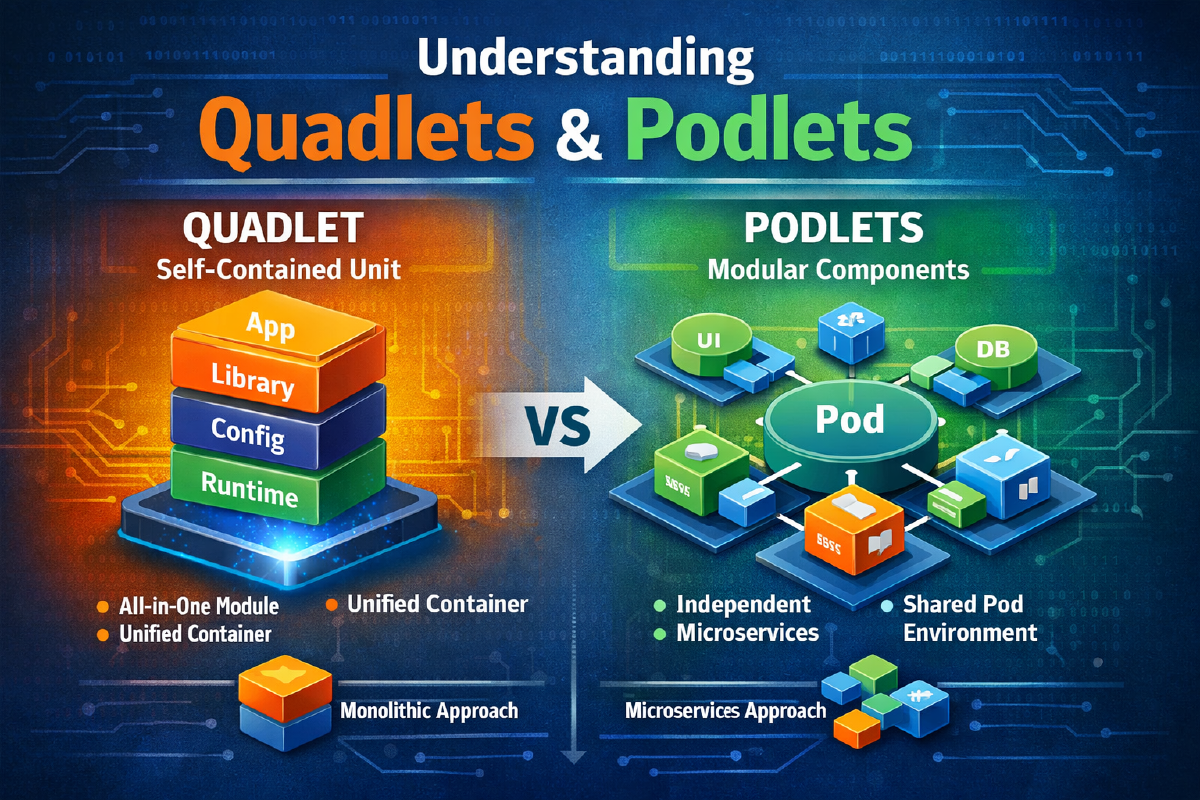
When I first switched from Docker Compose to Podman, I had a bit of confusion in my head between two very similarly-sounding terms - Quadlet and Podlet. They sound almost identical, both are related to containers, both come up in the same context - and for a while, I’ll admit, I mixed them up. The actual difference is fundamental: Quadlet is Podman’s built-in format for describing containers via systemd, while Podlet is a separate utility that helps generate those descriptions rather than writing them by hand from scratch. In this article I’ll go through both tools in detail, show configuration examples, and compare this approach with the familiar Docker Compose.
If you haven’t read the general overview of Podman itself yet, that’s the better place to start - it covers the daemonless architecture, rootless mode, and the project’s overall logic in more depth: Podman - A Modern Alternative to Docker.
1. Quadlet#
What Quadlet is#
Quadlet is a mechanism built into Podman that lets you declaratively describe containers, pods, networks, volumes, and images using ordinary systemd unit files of a special format. On system startup, systemd itself translates these files into full-fledged .service units and runs them through Podman - nothing needs to be generated by hand, a daemon-reload is enough.
Quadlet emerged as an evolution of the podman generate systemd idea, except instead of the imperative “generate a unit from an already-running container,” here it’s the opposite - you declaratively describe the desired state, and systemd brings the system to that state itself, including after a host reboot. podman generate systemd itself is officially deprecated, by the way: it’s not being removed, but it won’t be developed any further, and the docs send everyone straight to Quadlet.
Types of Quadlet files#
| Extension | What it describes |
|---|---|
.container | a single container |
.pod | a pod - a group of containers sharing a network |
.volume | a named volume |
.network | a network |
.image | an image that needs to be pulled in advance |
.build | building an image from a Containerfile |
.kube | deployment from a Kubernetes YAML (podman kube play) |
.artifact | an OCI artifact |
Where Quadlet files live#
/etc/containers/systemd/- system (root) units;~/.config/containers/systemd/- user, rootless units.
Example .container file#
[Container]
Image=docker.io/library/nginx:latest
ContainerName=nginx
PublishPort=8080:80
Volume=nginx-data:/usr/share/nginx/html:Z

[Service]
Restart=always

[Install]
WantedBy=multi-user.target
Example .pod file#
If you need to group several containers into one pod with a shared network, there’s a separate unit type for that, .pod:
# web-pod.pod
[Pod]
PublishPort=8080:80
The containers themselves then connect to this pod via a reference to the .pod file:
# web-app.container
[Container]
Image=myapp:latest
Pod=web-pod.pod

[Service]
Restart=always
# web-cache.container
[Container]
Image=docker.io/library/redis:latest
Pod=web-pod.pod
[Service]
Restart=alwaysAll containers attached to the same pod share a common network namespace and see each other via localhost - exactly as if the pod had been created manually with podman pod create.
Managing Quadlet units#
There’s one detail that trips up almost everyone (me included): from the file nginx.container, systemd generates a unit called nginx.service, and every command works with that unit, not with the source file:
systemctl daemon-reload
systemctl start nginx.service
systemctl status nginx.service
journalctl -u nginx.service -f
And a second one: the usual systemctl enable won’t work here. systemd treats generated units as transient, so autostart at boot is controlled solely by the [Install] section in the .container file itself - the Quadlet generator applies it on every daemon-reload, essentially doing for you what enable normally would.
From this point on, the container is a full systemd service: autostart at boot via [Install], dependency management via After=/Requires=, unified logging via journalctl, standard Restart= instead of homegrown wrapper scripts.
Rootless units - three differences#
If the file lives in ~/.config/containers/systemd/ - meaning the service is rootless - keep three things in mind:
- every command gets the
--userflag:systemctl --user daemon-reload,systemctl --user start nginx.service,journalctl --user -u nginx.service; - the
[Install]section usesWantedBy=default.target, notmulti-user.target- the per-user systemd instance has its own boot target; - without “linger,” the per-user systemd only runs while you’re logged in, and it shuts down - along with all your containers - when your last session ends. For rootless services to start at host boot and live independently of SSH sessions, you need to enable it once:
sudo loginctl enable-linger $USERSkipping that last step is a classic: everything works fine during the day, and then after a server reboot your rootless containers quietly stay down until you SSH in.
The podman quadlet command#
Recent Podman versions added a dedicated set of commands for working with Quadlets, so you don’t have to shuffle files between directories by hand:
podman quadlet install nginx.container   # put the file into the right directory
podman quadlet list                      # which Quadlet units exist and what state they're in
podman quadlet rm nginx.container        # remove the unit
Handy, but optional: Quadlet works just as well with files you drop into the directory yourself.
Automatic container updates#
Here’s a nice feature that rarely gets mentioned for some reason: Quadlet can update containers automatically. Add one line to the [Container] section:
[Container]
Image=docker.io/library/nginx:latest
AutoUpdate=registry
and enable the stock timer (with the same --user flag for rootless services):
systemctl enable --now podman-auto-update.timerBy default the timer fires once a day, at midnight: it checks whether the registry has a newer image for the same tag, and if so, pulls it and restarts the service. And if the service fails to start after the update, Podman rolls it back to the previous image. One important condition: the image name has to be fully qualified, registry included (docker.io/library/nginx:latest, not just nginx:latest), otherwise Podman has no idea where to look for updates. It’s no substitute for deliberately upgrading between versions, but for services on floating tags like :latest or :stable it’s very convenient. And if you’d rather update everything by hand but still want to know when new versions come out, take a look at Diun.
Advantages of Quadlet#
- native systemd integration - no workarounds or homegrown wrapper scripts;
- autostart and crash recovery through standard systemd mechanisms;
- dependency management between services (for example, “start after the network is up”);
- unified centralized logging via
journalctl; - full support for rootless mode.
Limitations of Quadlet#
- requires systemd - doesn’t work on systems without it (some embedded distros, part of the Alpine ecosystem);
- designed for a single host - no clustering whatsoever;
- doesn’t replace Kubernetes if you genuinely need autoscaling, multi-node service discovery, and HA.
2. Podlet#
What Podlet is#
Podlet is a separate utility written in Rust, not part of Podman itself, but used closely alongside it. Podlet’s job is simple and useful: save you from having to write Quadlet sections by hand when you already have a working podman run/docker run command or a docker-compose.yml file.
Important: Podlet does not create containers and isn’t a runtime - it only generates the text of a ready-made Quadlet file, which then needs to be saved to the right directory and picked up via systemctl daemon-reload.
Generating from a command#
The simplest scenario - take an existing run command and just replace podman run/docker run with podlet podman run:
podlet podman run -d -p 8080:80 -v nginx-data:/usr/share/nginx/html:Z --name nginx nginx:latestThe output is a ready-made .container file with all the required [Container], [Service], [Install] sections, which you just need to save to ~/.config/containers/systemd/ or /etc/containers/systemd/.
Generating from docker-compose.yml#
This is probably the most practically useful mode during a migration from Docker Compose:
podlet compose docker-compose.ymlBy default, Podlet creates a separate .container file for each service. If you want related services to share a pod with a common network, you have to ask for it explicitly with the --pod flag - then Podlet generates a .pod file and links all the .container files to it. There’s also a third option, --kube, which gives you a .kube file plus Kubernetes YAML, in case you’re eyeing a cluster anyway:
podlet compose --pod docker-compose.ymlGenerating from an already-running object#
If a container, pod, network, or volume is already created manually and running, Podlet can “lift” the Quadlet configuration off of it:
podlet generate container nginxHandy if you first quickly spun something up with a terminal command to check whether it works, then decided to formalize the result declaratively.
Why Podlet is useful in practice#
- significantly simplifies migration from Docker and Docker Compose - no need to manually learn the syntax of all the Quadlet sections;
- reduces the number of mistakes made when writing unit files by hand (a forgotten
[Install], an incorrectVolume=section, and the like); - speeds up the migration process itself - for a typical project, Podlet’s output usually just needs a bit of tweaking rather than being written from scratch.
3. Quadlet and Podlet together#
The easiest way to remember the difference: Quadlet is the format that gets executed, and Podlet is the tool that writes it for you. They don’t compete with or replace each other - they’re different layers of the same process.
Docker Compose / podman run
        │
        ▼
     Podlet   ← generates Quadlet files
        │
        ▼
    Quadlet   ← declarative format
        │
        ▼
     systemd  ← turns Quadlet into .service units and starts them
        │
        ▼
     Podman   ← actually runs the containers/pods
In practice, a typical workflow looks like this: take an existing docker-compose.yml, run it through podlet compose (with --pod if the services need a shared network), get a set of .container/.pod files, drop them into ~/.config/containers/systemd/, run systemctl --user daemon-reload - and from that point on everything lives as ordinary systemd services. Just don’t forget loginctl enable-linger, or after a reboot those “ordinary systemd services” will sit and wait for you to log in.
4. Comparison with Docker Compose#
| Criterion | Docker Compose | Quadlet (+ Podlet) |
|---|---|---|
| Requires a daemon | Yes | No |
| Rootless | Limited | By default |
| Autostart on system boot | Via a restart policy (restart: always) that dockerd itself enforces once it starts | Native, via systemd [Install] |
| systemd integration | None | Full |
| Centralized logs | Via docker compose logs | Via journalctl, alongside all the system’s other services |
| Configuration format | YAML (docker-compose.yml) | INI-like systemd units |
| Single host | Yes | Yes |
It’s worth understanding separately: Quadlet isn’t a one-to-one replacement for Docker Compose, but rather a different approach to the same result - instead of one YAML file parsed by a separate tool (docker compose/podman-compose), you get a set of systemd units that the operating system itself recognizes. For those already used to managing services via systemctl, this feels more natural than keeping a parallel layer of compose-file orchestration in the system.
5. Practical scenarios#
Homelab. Nextcloud, media servers (Jellyfin, Plex), reverse proxies (Traefik, Caddy, nginx), monitoring (Prometheus, Grafana) - a typical set of self-hosted services that live perfectly well as Quadlet units and survive a host reboot without extra scripts.
VPS / dedicated server. Web applications, private APIs, CI/CD runners - anywhere a single reliable host is needed without the cost of maintaining a cluster.
Edge / IoT. Minimal resource usage, rootless mode by default, and simple maintenance are especially valuable on weak hardware.
6. When Quadlet isn’t the right tool#
If you need:
horizontal autoscaling under load;
an HA cluster across multiple physical nodes;
multi-region deployment with load distribution across data centers,
then you’ve already outgrown single-host workloads, and you need full-fledged Kubernetes. Quadlet handles single-node infrastructure needs perfectly well, but deliberately doesn’t try to compete with cluster-level orchestration.
7. Summary#
- Quadlet - a declarative format that turns Podman containers, pods, networks, and volumes into ordinary systemd services.
- Podlet - a tool that generates Quadlet files from
podman run,docker-compose.yml, or already-running objects, saving time on writing the syntax by hand. - Together they provide a secure, minimalist single-node platform with no daemon and no Kubernetes - more than enough for most self-hosted scenarios.
Docker Compose - familiar. Podman - secure. Quadlet - declarative and systemd-native. Podlet - saves time during migration. Kubernetes - when a single host is no longer enough. The choice of a specific tool should be driven by the actual task, not by fashion. And for the pitfalls you’ll run into along the way, I wrote a separate piece: Podman - The Other Side of the Coin.
Useful links: