
Split DNS - LinuxServer.io#
What Split DNS is, in brief#
The term Split DNS is usually translated into Russian as “split DNS” or “split domain name system.”
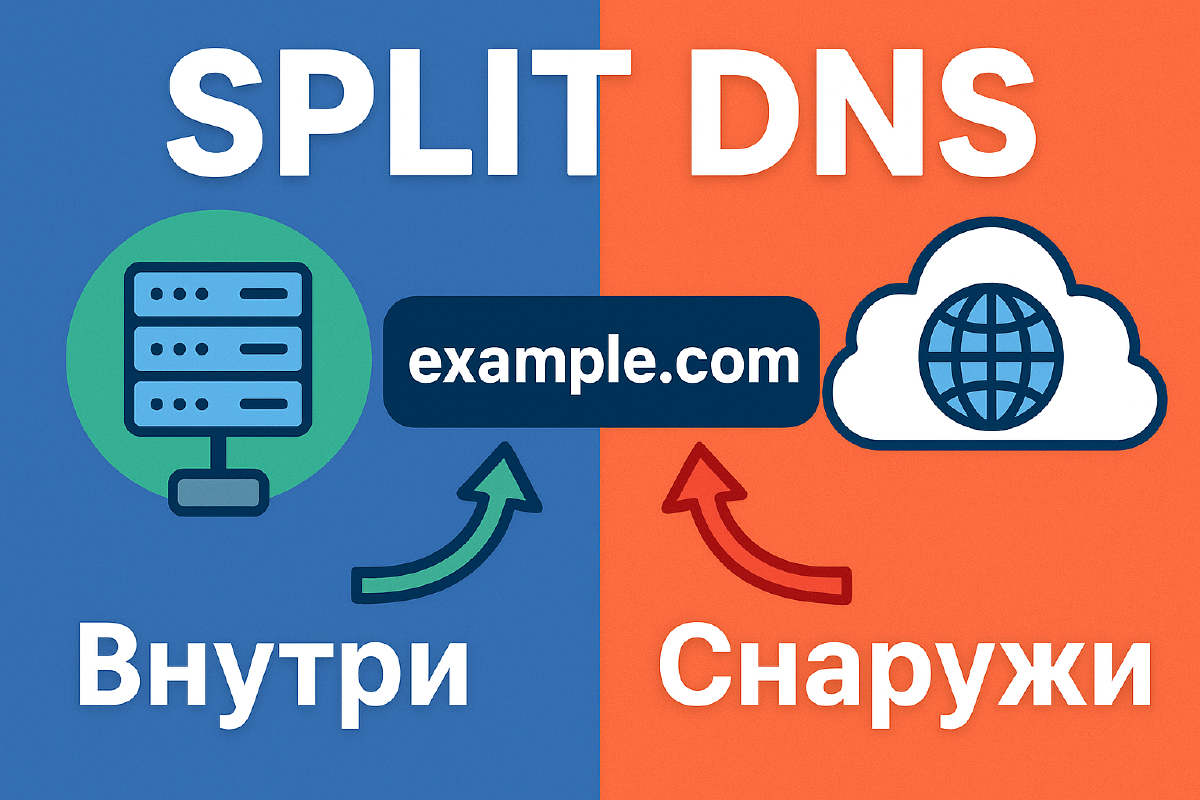
The idea behind the concept is this: the same domain (for example, stilicho.ru) resolves differently depending on which network the client is querying from: internal (LAN) or external (the internet).
Translation and usage examples:
- Split DNS → Split DNS
- Split-horizon DNS → sometimes also called Split DNS or DNS with a split horizon
What Split DNS is, in more detail#
Below is a translation of the article from LinuxServer.io

Split DNS lets you give different answers to DNS queries for internal and external users, so local requests to your server don’t have to go through the router. This has several advantages:
- Faster, since there’s no need to go through the router.
- A reverse proxy can easily distinguish between internal and external requests, allowing/denying them, since there’s no NAT involved.
- Everything keeps working even without internet access.
- The system keeps working even if the upstream DNS server (your ISP/Google/OpenDNS, etc.) is unavailable.
Requirements#
- An internal reverse proxy listening on port 80/443.
- An internal DNS resolver that supports overrides or hosting full DNS zones.
Popular DNS configurations#
In these examples, domain.com is assumed to be your domain and 10.10.10.10 your reverse proxy.
OPNsense#
Go to Services > Unbound DNS > Overrides > Host Overrides > Add:
- Host:
* - Domain:
domain.com - Type:
A or AAAA - IP:
10.10.10.10
pfSense#
Go to Services > DNS Resolver > General Setting > Host Overrides > “Add.”
- Host:
* - Domain:
domain.com - IP Address:
10.10.10.10
Pi-hole and dnsmasq#
Enable dnsmasq.d on pihole (only needed for version 6 or higher; the video was recorded on version 5) with the following command:
sudo pihole-FTL --config misc.etc_dnsmasq_d trueCreate a file /etc/dnsmasq.d/domain.conf with the following content:
address=/domain.com/10.10.10.10AdGuard Home#
Go to Filters > DNS rewrites > Add DNS rewrite:
- Domain name:
*.domain.com - IP Address:
10.10.10.10
Problems with Wireguard#
When granting access to a Wireguard server, the Wireguard subdomain should not be split, otherwise the connection will drop when switching between Wi-Fi and mobile data.
For example, you can exclude wg.domain.com in AdguardHome by creating another DNS rewrite - from wg.domain.com to wg.domain.com, which excludes it from the split.
NAT Reflection / NAT Loopback / Hairpin NAT#
NAT Reflection is an alternative to split DNS that can provide some, but not all, of the benefits of split DNS. It lets local network devices use the external IP address and get port forwarding without NAT.
This is usually a setting on specific routers that can be enabled with the corresponding flag.
Note that using the Cloudflare proxy (that’s the orange cloud, which is currently being blocked by Roskomnadzor) will bypass this and still send traffic out.