
If you enjoyed this article, you can support the author by becoming a sponsor on Boosty (link in the contacts section).
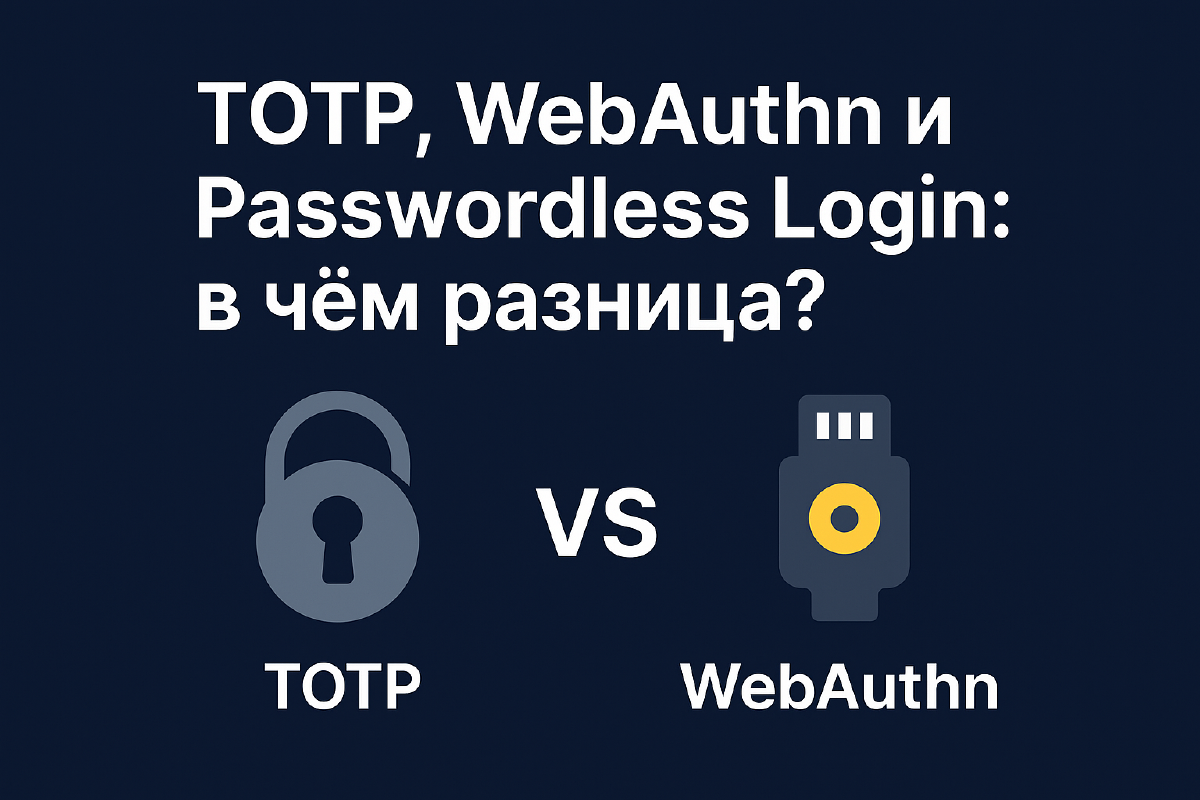
On my YouTube channel and website there’s a whole series of articles and videos about IAM solutions: Authentik, Authelia, Keycloak, and Zitadel. In all of them, one way or another, the same three terms keep coming up - TOTP, WebAuthn, and Passwordless Login - as methods of logging in and as a second factor of protection. But I’ve never once come across a clear explanation of how they actually differ from each other, beyond “it’s also two-factor auth.” I decided to close this gap with one article, so I can simply link to it from the others going forward.
Why bother understanding this at all#
A password as the sole method of login is something that has proven its inadequacy many times over: passwords get reused, they leak in database breaches, they get phished through fake login forms. The industry has been actively moving toward something more reliable for about a decade now, and today even people far removed from IT run into this in one form or another - if only through logging into a government portal with a code from an app, or via Face ID on their phone.
Next I’ll break down TOTP, WebAuthn, and Passwordless Login individually, and at the end - how WebAuthn and the passwordless approach relate to each other, because that’s usually where the confusion happens.
1. TOTP - time-based one-time codes#
TOTP (Time-based One-Time Password) is a two-factor authentication method in which a one-time code is generated based on the current time and a shared secret key. It’s the oldest and most familiar of the three options - that same six-digit code in Google Authenticator, Authy, Bitwarden, or Vaultwarden (I use the latter myself).
How it works in practice: when linking an account, the service shows a QR code, the app scans it and receives the secret key. From then on, both the service and the app independently compute the same code every 30 seconds based on that key and the current time - which is why it’s important for the phone’s clock to be in sync. The user simply enters the current code in addition to their password.
Strengths:
- Huge maturity and compatibility - TOTP is supported by practically any service with two-factor auth, from banks to homegrown self-hosted panels.
- Doesn’t require an internet connection at the moment of login - the code is computed locally on the device.
- Noticeably strengthens a regular password at almost no implementation cost.
Weaknesses:
- TOTP is an addition to a password, not a replacement for it. The password still has to be strong: if it’s stolen, the TOTP code is the only thing standing between an attacker and your account.
- Vulnerable to real-time phishing: if a victim is lured to a fake login page and enters both the password and the current TOTP code there, the attacker can immediately relay both values to the real site. This requires an active “in the moment” attack rather than a leaked database - an unpleasant but not the most widespread scenario.
2. WebAuthn - authentication using cryptography#
WebAuthn (Web Authentication API) is an open standard from the W3C and FIDO Alliance that allows logging into a service using a cryptographic key pair instead of a password or code.
How it works: during registration, the device generates a key pair - the private key stays on the device (in a secure chip, TPM, or Secure Enclave) and is never transmitted anywhere; the public key is sent to the server and stored in your profile. On every login, the server sends a random “challenge,” the device signs it with the private key, and the server verifies the signature with the public key. A password plays no role in this scheme at all.
Practical implementations of WebAuthn include hardware security keys (YubiKey, SoloKey), built-in biometrics (fingerprint, Face ID, Windows Hello), and the device’s own secure modules.
Strengths:
- Resistant to phishing in principle, not just “mostly”: the signature is cryptographically bound to the site’s domain, so even a perfect copy of the login page can’t obtain a working signature for the real server.
- No password - nothing to intercept, nothing to leak when the service’s database is breached.
- Good out-of-the-box support for biometrics and hardware tokens in modern browsers and OSes.
Weaknesses:
- Requires support both from the browser and from the specific site - for old or homegrown internal systems, this can be non-trivial to bolt on.
- Transferring keys between devices has historically been a pain point (more on this below, in the section on passkeys).
- Hardware keys like YubiKey aren’t the cheapest thing, and I strongly recommend keeping a backup key in case the primary one is lost or breaks - otherwise you risk losing access to your own accounts.
So what are passkeys?#
Passkeys deserve a separate mention - this isn’t a separate technology, but a marketing name for a specific, “convenient” way of using WebAuthn, which Apple, Google, and Microsoft have been actively pushing for the past couple of years. The key difference between a passkey and a classic hardware WebAuthn key is synchronization: the private key isn’t stored on just one device, but is synced in encrypted form across the cloud (iCloud Keychain, Google Password Manager, and similar) between all of a user’s devices. This solves the main pain point of early WebAuthn versions - “I linked a YubiKey, and now I have a new phone and I’m panicking” - but it deliberately sacrifices a bit of the threat model in favor of convenience, since the private key now technically leaves a specific piece of hardware. For most people this is a reasonable trade-off; for the paranoid, it’s a reason to stick with unsynced hardware keys.
3. Passwordless Login - logging in without a password#
Passwordless Login isn’t a specific technology but a general approach: no password is used for login at all, and instead you use one of the following:
- via e-mail - the service sends a one-time link (magic link);
- via SMS or messenger - a confirmation code arrives on your phone;
- via WebAuthn/passkey - cryptographic login without a password (personally I use either Vaultwarden or Windows Hello, depending on the device);
- via OAuth - login through an existing Google, GitHub, Microsoft, etc. account.
Strengths:
- No password - nothing to forget, nothing to reuse on other sites, nothing to leak when a database is compromised.
- Noticeably simplifies the login process for the user - sometimes literally one click.
- Can act both as the primary login method and as an additional factor.
Weaknesses:
- If the option relies on email or SMS, the security of the login depends entirely on the security of that third-party channel - and SMS has long and deservedly been considered the weakest link (interception via SIM-swap is a real and well-documented threat). I’d recommend not relying on SMS as the sole login method anywhere security matters.
- Since there’s no password, account protection effectively shifts entirely onto the protection of the login channel itself (email, phone number, device) - which accordingly requires no less, and sometimes even more, attention to security.
4. What’s the difference between WebAuthn and Passwordless Login#
This is usually where confusion arises most, because the terms are used side by side and about the same thing - but they’re actually different levels of abstraction.
- WebAuthn is a specific, modern, and cryptographically robust protocol/API - one of the tools in the toolkit.
- Passwordless Login is a goal or strategy (“let’s get rid of the password altogether”), which can be implemented via WebAuthn, or via far less reliable magic links to email or SMS codes.
In other words: any login via WebAuthn is passwordless by definition, but not every passwordless login is equally secure, because WebAuthn is a far cry from a one-time email link in terms of phishing resistance.
Comparison of WebAuthn and Passwordless Login in general#
| Characteristic | WebAuthn | Passwordless Login (in general) |
|---|---|---|
| What it is | A standard and API for authentication using cryptography | A general approach to password-free login, by any means |
| Technology base | Asymmetric cryptography (key pair) | Can be anything: WebAuthn, email links, one-time codes, biometrics |
| Examples | YubiKey, passkeys, Windows Hello, Face ID, TPM | Magic link via email, SMS code, push notification, WebAuthn |
| Phishing resistance | Very high - the private key never leaves the controlled trust chain | Heavily depends on the method: SMS/email are noticeably weaker, WebAuthn/biometrics are at the level of best practices |
| Convenience | Fast, no typing required, but needs a supported device | Often even simpler (one click on a link), but sometimes slower due to waiting for an email/SMS |
| Infrastructure requirements | The server must implement the FIDO2/WebAuthn API | Can be simpler: an SMTP or SMS gateway is enough |
| Suitable as 2FA | Yes | Yes, but not always - depends on the specific method |
5. Summary table for all three#
| Technology | Uses a password? | Time-dependent? | Phishing resistant? | Typical example |
|---|---|---|---|---|
| TOTP | Yes, as a supplement | Yes | No | Google Authenticator, Vaultwarden |
| WebAuthn | No | No | Yes | YubiKey, passkey, Touch ID |
| Passwordless | No | Depends on the method | Depends on the method | Magic link, SMS code, WebAuthn |
6. How to choose in practice#
From my experience setting up Authentik, Authelia, Keycloak, and Zitadel in my own homelab, I’d suggest the following:
- You just need a second factor for an existing password, as compatible as possible and with no extra cost - go with TOTP; it will work almost everywhere and won’t require new hardware.
- Maximum phishing protection matters and you’re willing to spend once on a hardware key (or can manage with the device’s built-in biometrics) - WebAuthn, without question, ideally as a passkey so you’re not stuck being tied to a single device.
- You want to get rid of passwords entirely as a risk category - build passwordless login on top of WebAuthn/passkey, and use magic links to email or SMS as a fallback rather than the primary path.
In practice, these three approaches combine beautifully: for me, for example, password + TOTP covers the base level of services, while anything exposed externally and especially critical is additionally protected by a WebAuthn key through the same Authentik.
Conclusions#
TOTP strengthens a regular password with a one-time code - the most compatible and simplest option to implement, but not protected against real-time phishing.
WebAuthn is a cryptographically robust password-free login protocol, resistant to phishing by its very nature; passkeys are its modern implementation, synced across devices.
Passwordless Login is a general strategy of moving away from passwords, which can rely on WebAuthn (in which case it’s genuinely reliable) or on much weaker magic links and SMS codes (in which case login security is determined by the security of that channel).
Useful links: