
If you enjoyed this article, you can support the author by becoming a sponsor on Boosty.
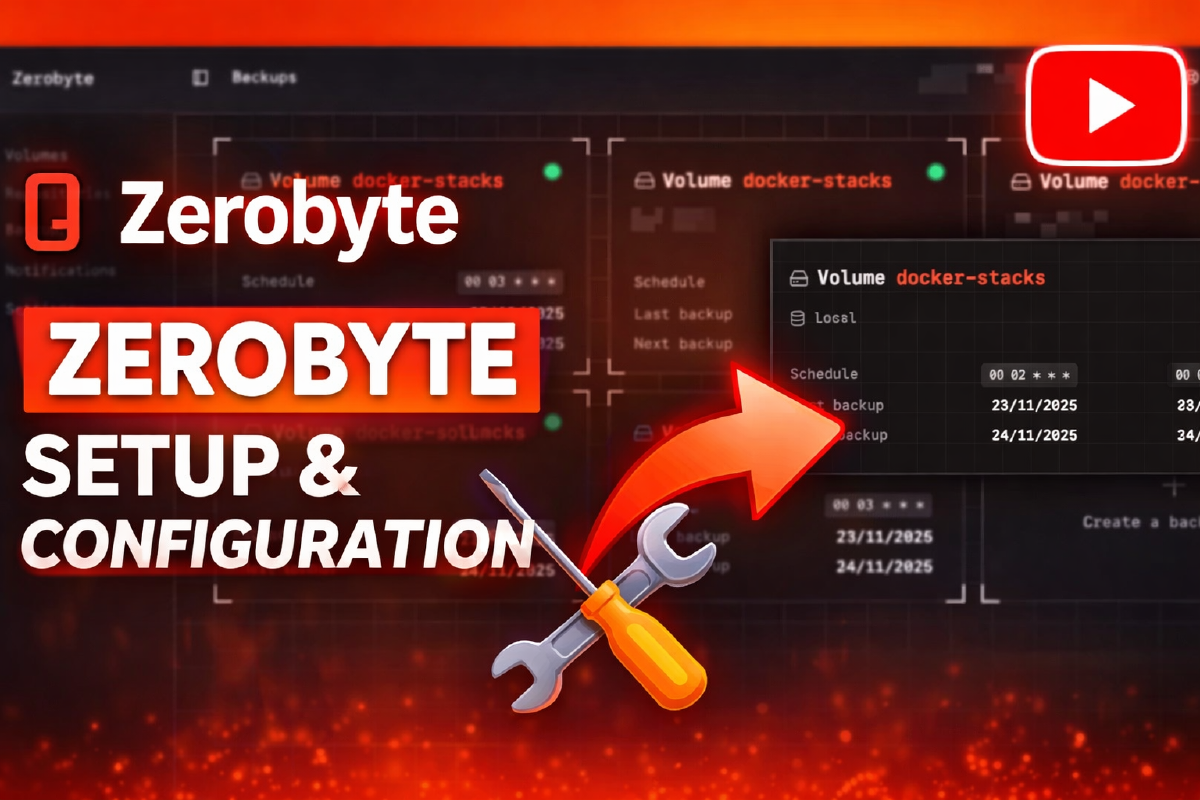
Zerobyte: backup automation for Homelab#
Backups are one of the key responsibilities of any infrastructure.
In a home homelab or self-hosted environment, it’s important to have a system that:
- runs backups automatically
- supports encryption
- can work with cloud storage
- has a convenient management interface
That’s exactly the job Zerobyte does.
In this article, we’ll cover:
- what Zerobyte is
- how to install it via Docker
- how to configure your first backup
- how to restore data
What is Zerobyte#
Zerobyte is a backup automation tool that helps store data across various storage backends. Built on top of Restic, it provides a modern web interface for scheduling, managing, and monitoring encrypted backups of your remote storage.
Zerobyte is still at version 0.x.x and can change significantly from version to version. The project is under active development.
After I released a video about the best new apps of 2025, where I talked about Zerobyte among others, I got a lot of messages asking why I didn’t cover one solution or another. According to whoever’s asking, the app they personally use is always the best one out there :) Below, I’ve tried to put together a table comparing the features of the most popular solutions.
Zerobyte’s features:
- Automatic backup with encryption, compression, and retention policies, implemented via Restic
- Flexible scheduling for automatic backup jobs, with fine-grained retention policy tuning
- End-to-end encryption, protecting data at every stage
- Support for multiple protocols: backups from NFS, SMB, WebDAV, SFTP, or local directories
This makes Zerobyte a convenient alternative to solutions like:
If you’re running a Proxmox setup, Proxmox Backup Server is also worth a look, since it’s built specifically for that ecosystem.
Comparison of popular backup solutions#
| Backup tool | Web UI | Encryption | Deduplication | Docker |
|---|---|---|---|---|
| Duplicati | ✔ | ✔ | ✔ | ✔ |
| Kopia | ✔ | ✔ | ✔ | ✔ |
| BorgBackup | ✖ | ✔ | ✔ | ✔ |
| Zerobyte | ✔ | ✔ | ✔ | ✔ |
Duplicati vs ZeroByte - comparing backup systems#
Since in the previous article I talked about Duplicati, let’s take a closer look and compare Duplicati with today’s subject.
Duplicati and ZeroByte are backup solutions aimed at self-hosted infrastructure and home labs. Both tools offer a web interface, automation, and support for remote storage, but they take different architectural approaches.
Duplicati is a self-contained backup system with its own engine.
ZeroByte is a web interface and backup job manager built on top of the restic backup engine.
Quick comparison table#
| Criteria | Duplicati | ZeroByte |
|---|---|---|
| Solution type | Self-contained backup system | Backup manager |
| Backup engine | Own | Restic |
| Architecture | Monolithic application | Web UI + restic backend |
| Interface | Web UI + CLI | Web UI |
| Encryption | AES-256 | Restic’s built-in encryption |
| Deduplication | Block-level deduplication | Restic’s deduplication |
| Incremental backups | Yes | Yes |
| Compression | Yes | Yes |
| File versioning | Yes | Yes |
| File restore | Yes | Yes |
| Task scheduler | Yes | Yes |
| Cloud storage support | Yes | Via restic or rclone |
| Local storage | Yes | Yes |
| S3 support | Yes | Yes |
| WebDAV support | Yes | Yes |
| SFTP support | Yes | Yes |
| rclone support | No | Yes |
| Multiple job management | Yes | Yes |
| Snapshot control | Yes | Yes |
| Logging and monitoring | Yes | Yes |
| Open source | Yes | Yes |
| Project maturity | High | New project |
| Ease of installation | Very simple | Simple |
| Configuration flexibility | Medium | High |
Solution architecture#
Duplicati#
Duplicati is a fully self-contained backup system.
The app includes:
- a backup engine
- a web interface
- a scheduling system
- cloud storage support
- a deduplication mechanism
- encryption
Thanks to this, Duplicati can be installed as a single app and used right away to create backups.
ZeroByte#
ZeroByte works differently. It’s a management interface for restic, a popular backup engine.
ZeroByte adds:
- a web management panel
- backup job creation
- schedule management
- snapshot browsing
- file restore
- centralized management of multiple repositories
Essentially, ZeroByte acts as a management panel for restic-based infrastructure.
Supported storage#
Duplicati#
Duplicati supports a large number of cloud services:
- Amazon S3
- Backblaze B2
- Google Drive
- OneDrive
- Dropbox
- WebDAV
- SFTP
- local disks
- NAS
ZeroByte#
ZeroByte relies on restic’s capabilities and can work with:
- S3-compatible storage
- local repositories
- SFTP
- WebDAV
- NAS
- an rclone backend
This makes ZeroByte convenient for more complex infrastructures. In principle, Zerobyte can do everything Duplicati can, but thanks to rclone support it integrates with a much wider range of cloud storage providers.
Main advantages#
Advantages of Duplicati#
- very simple installation
- a ready-made backup system
- supports the most common cloud storage providers
- a mature, well-known project
- a convenient web interface
Duplicati is a great fit for:
- home servers
- NAS
- personal backups
- small homelab infrastructures
Advantages of ZeroByte#
- modern architecture
- built on the reliable restic backup engine
- rclone storage support
- flexible repository handling
- convenient snapshot management
ZeroByte is better suited for:
- advanced homelabs
- infrastructures with multiple backup jobs
- restic users
When to choose Duplicati#
Choose Duplicati if:
- you need a simple backup system
- fast setup matters
- you need support for popular cloud services
- your infrastructure is small
Duplicati is a good choice for most home servers.
When to choose ZeroByte#
Choose ZeroByte if:
- you already use restic
- you need a more flexible backup system architecture
- you need rclone backend support
- you have multiple backup repositories
Duplicati vs ZeroByte comparison summary#
| Tool | Best suited for |
|---|---|
| Duplicati | Simple, fast backups for a home server |
| ZeroByte | Managing restic-based backups and more flexible infrastructures |
Both tools are open source and can be used in a self-hosted environment. The choice comes down to whether you want a ready-made backup client (Duplicati) or a restic-based backup infrastructure manager (ZeroByte).
Main features of the Zerobyte web interface#
Web interface#
Zerobyte offers a modern web management panel, through which you can:
- create backup jobs
- run backups manually
- track status
- restore files
Using Restic#
Under the hood, Zerobyte uses Restic, which gives you:
- deduplication
- encryption
- incremental backups
- support for many storage backends
Supported storage#
Backups can be stored in:
- S3
- Backblaze B2
- SFTP
- local disk
- NAS
- WebDAV
Docker Compose file from the video#
services: # Declaration of all services (containers) managed by Docker Compose
  zerobyte: # Service name (logical container name)
    image: ghcr.io/nicotsx/zerobyte:latest # Container image with a pinned version (better than latest)
    container_name: zerobyte # Explicit container name for convenience (docker ps, logs, etc.)
    restart: unless-stopped # Automatically restart the container on crash (except manual stop)
    cap_add:
      - SYS_ADMIN # Adds extended privileges (needed for FUSE and working with remote shares). If backing up local data, comment out this line
      - SYS_PTRACE # Allows tracing processes (can be used for debugging or internal logic). If backing up local data, comment out this line
    #ports:
    #  - "4096:4096" # Publish the port externally (not needed if using Traefik)
    devices:
      - /dev/fuse:/dev/fuse # Pass through the FUSE device for rclone/mounting. If backing up local data, comment out this line
    environment: # Environment variables for configuring the app
      - TZ=Europe/Moscow # Container timezone (important for schedules and logs)
      - BASE_URL=https://zerobyte.stilicho.ru # Public URL for accessing Zerobyte (used in the UI and OAuth)
      - APP_SECRET=240728b5d3d99fc4c233964e9836a2acf341fae4f72544d1a2051acc1339923d # App secret (must be unique for security)
    security_opt: # Relaxing container security mechanisms
      - seccomp:unconfined # Disables the seccomp profile (allows more system calls). If backing up local data, comment out this line
      - apparmor:unconfined # Disables the AppArmor profile (removes access restrictions). If backing up local data, comment out this line
    volumes: # Mounting directories (data and file access)
      - /etc/localtime:/etc/localtime:ro # Sync time with the host (read-only)
      - /home/stilicho/docker/zerobyte:/var/lib/zerobyte # Zerobyte data (config, database, state)
      - /home/stilicho/docker:/mydata # Directory with data to back up (source for volumes)
    networks:
      proxy: # Connect to the proxy network (for use with Traefik)
    labels: # Labels for automatic Traefik configuration
      - "traefik.enable=true" # Enable Traefik handling for this container
      - "traefik.http.routers.zerobyte.entrypoints=web" # HTTP entrypoint (port 80)
      - "traefik.http.routers.zerobyte.rule=Host(`zerobyte.stilicho.ru`)" # Routing by domain
      - "traefik.http.middlewares.zerobyte-https-redirect.redirectscheme.scheme=https" # Redirect HTTP → HTTPS
      - "traefik.http.routers.zerobyte.middlewares=zerobyte-https-redirect" # Apply the redirect
      - "traefik.http.routers.zerobyte-secure.entrypoints=websecure" # HTTPS entrypoint (port 443)
      - "traefik.http.routers.zerobyte-secure.rule=Host(`zerobyte.stilicho.ru`)" # HTTPS routing rule
      - "traefik.http.routers.zerobyte-secure.tls=true" # Enable TLS (HTTPS)
      - "traefik.http.routers.zerobyte-secure.service=zerobyte" # Bind to the service
      - "traefik.http.services.zerobyte.loadbalancer.server.port=4096" # Internal app port inside the container
      - "traefik.docker.network=proxy" # Specify the network for Traefik

networks: # Declaration of networks
  proxy: # Network name
external: true # Network already exists (Docker Compose won't create it)The cap_add and devices sections grant excessive privileges. Only use them if you understand the possible consequences. For example, in my case, without these parameters I wasn’t able to connect to an SMB share on TrueNAS.
Working with the app#
The app is fairly lightweight - the image downloads quickly and spins up just as fast.
After that, we go to the subdomain we assigned to our app, in my case zerobyte.stilicho.ru.
We’re greeted by an initial registration screen, where we need to set an admin login and password, provide an email address, and download a recovery key for restoring from a backup (in case that’s ever needed).
Initial registration screen

Screen for entering registration details and the option to download the recovery key
We’re greeted by a pleasant retro interface (angular, like my Mercedes W124) in red and black tones. If you’re a Sith and also a fan of retro design, you’ll love this interface.

Since there’s a link to my video review at the beginning of the article, if you don’t mind I’ll keep the rest of this description brief.
As I explained in the video, the user needs to configure the source location for backups and the destination resource where the backups will be sent.
So the Volumes section is “what we’re going to back up and where the files are located”

The Repositories section handles configuring the destination resource where we back everything up to

The Backups section lets us fine-tune the backup jobs, including, but not limited to: when and at what time to start the backup process, how many copies to keep, and so on.

In the Notification section, we configure how and through what channel we want to receive notifications.

And down at the bottom, the administration settings.