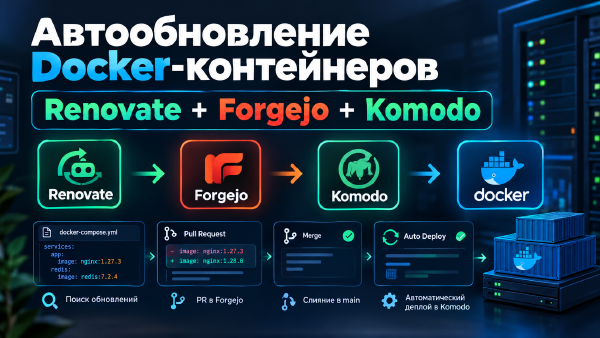
I set up Renovate to scan docker-compose files on its own, open PRs in Forgejo with new image versions, and let Komodo redeploy the stack automatically after merge.
Comparing GitLab CE, Gitea, and Forgejo on licensing, hardware requirements, project governance, and CI/CD - and explaining why the advice to “just use GitLab, everything else is for people who don’t know better” has nothing to do with actual engineering arguments.
Why self-hosted GitHub Actions on a single repository (article 3) turned out not to be the choice worth keeping - and how I reverted back to the proven two-repository Forgejo setup, walking through an honest comparison of both options along the way.
How I moved the build and deploy of ProHomelab from a homemade Forgejo runner to a self-hosted GitHub Actions runner on my own LXC, merged content and site into a single repository - and what didn’t go according to plan.
Migrating ProHomeLab from its old shared host to GitHub Pages on top of an already configured Obsidian → Forgejo → Hugo pipeline, while preserving all URLs and search engine rankings.
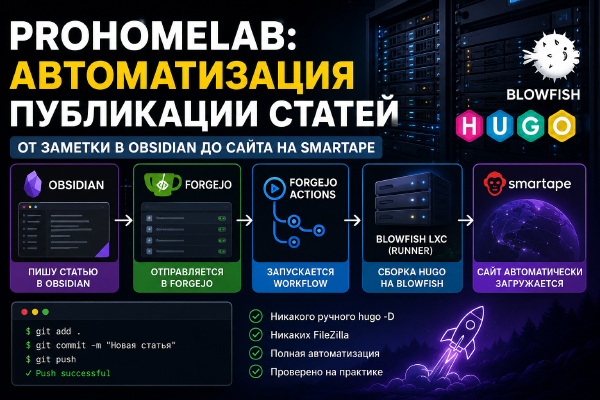
Fully automating ProHomeLab publishing: I write an article in Obsidian, the changes automatically land in Forgejo, Forgejo Actions triggers a Hugo build on a Blowfish LXC, and the finished site gets uploaded with no manual steps at all.
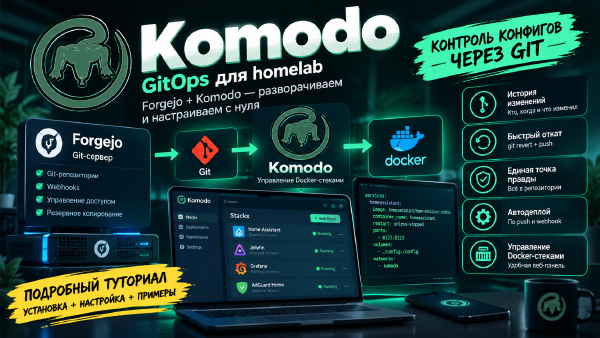
A detailed GitOps tutorial for beginners: deploying Forgejo as your own git server, Komodo to manage Docker stacks, and configuring auto-deploy on push, with every configuration parameter explained along the way.
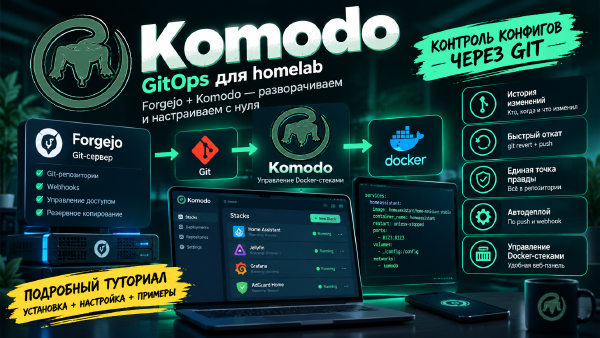
Step by step, we build a GitOps setup for Docker Compose: Forgejo stores the configuration in Git, Komodo watches for changes and automatically updates the stacks on multiple servers.