
Obsidian vs TriliumNext - a comparison of knowledge management systems#
Organizing personal knowledge, notes, and ideas is becoming an increasingly important task - whether you’re a developer, a researcher, or just an ordinary person like me who wants to bring order to the information that piles up on us every day.
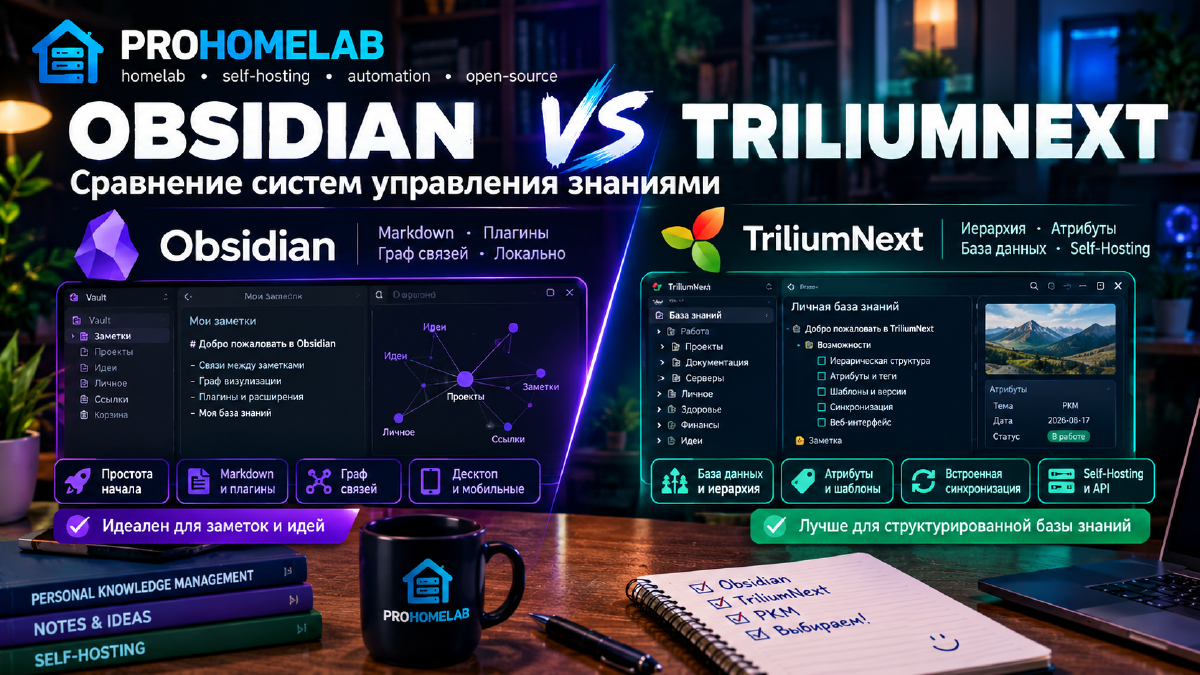
Today we’re comparing Obsidian and TriliumNext - two popular solutions for personal knowledge management (PKM).
Update. At the time this article was written, the community fork lived under the name TriliumNext. In 2025 the project got the original repository and name back from the author of the original Trilium - it’s now simply Trilium again, not a fork. Below I keep the name TriliumNext as it was at the time of the comparison, but in fact this refers to the current Trilium. More details in a separate article about installing Trilium.
What is Obsidian#
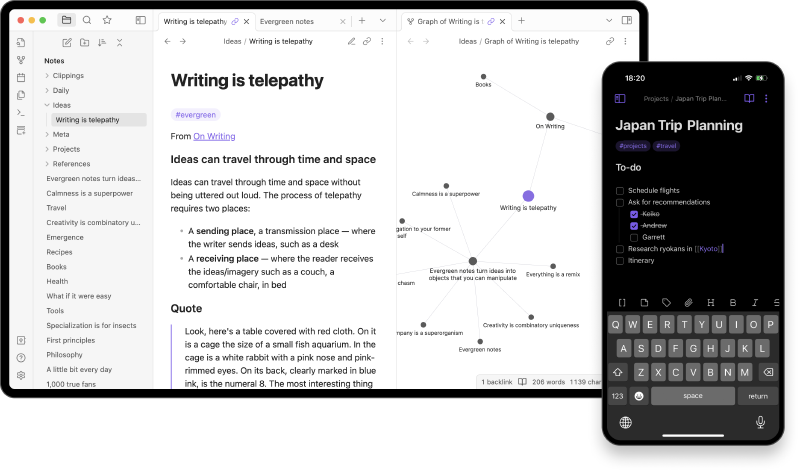
Obsidian is a desktop app for note-taking and knowledge management based on Markdown files.
Each note is a plain .md file stored locally, and links between notes form a network of ideas.
Main features:#
- Works on Windows, macOS, Linux, Android, and iOS
- Stores data locally, with no cloud dependency
- Uses links between notes and a graph visualization
- Supports plugins, themes, and interface customization
- Has paid services - Obsidian Sync and Obsidian Publish
Advantages:#
- Simple data storage in an open Markdown format
- A huge plugin ecosystem
- Great fit for the “second brain” concept (well, since we’ve sorted out the first one)
- Flexible knowledge organization (tags, links, graph view)
Drawbacks:#
- Some features (sync, publishing) are paid
- Can be complex for beginners due to the sheer number of settings
- Dependency on plugins (risk of incompatibility on updates)
- It can’t really be called an open-source solution
- No official Docker image (I used the one from LinuxServer)
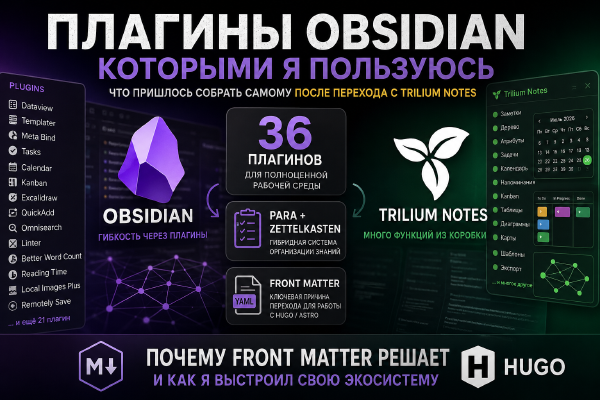
If you’re curious exactly which plugins I use to close those gaps, I go through them in detail in Obsidian Plugins I Use.
What is TriliumNext#
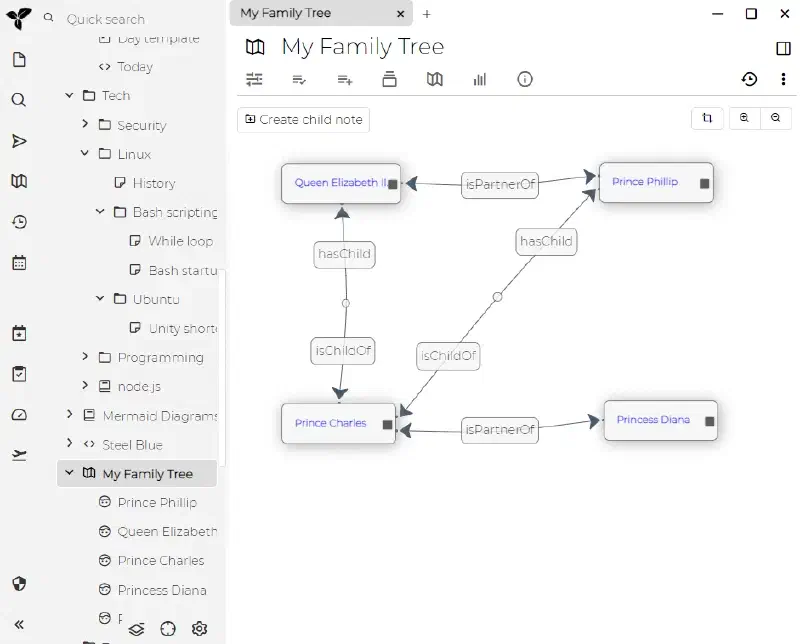
TriliumNext is an actively developed fork of Trilium Notes, focused on hierarchical knowledge organization.
Unlike Obsidian, it uses a database and a tree (not really a fully tree-like structure, but for lack of a better term, let’s call it a tree) of notes instead of separate files.
Main features:#
- Fully open-source, supports self-hosting
- Web interface + desktop app (clients for all three OSes exist)
- Deep hierarchical structure of notes (a tree)
- Support for attributes, templates, versions, and cloning (which is why it’s not quite a tree)
- Sync between devices out of the box and for free (Obsidian? Never heard of it)
Advantages:#
- Powerful and flexible knowledge base structure
- Lots of built-in features - diagrams, code blocks, formulas
- Can be hosted on your own server (Docker, NAS)
- Suited to advanced scenarios, corporate wikis, and knowledge bases
Drawbacks:#
- The learning curve may feel steeper to some
- The interface is less friendly than Obsidian’s (though that’s subjective). For anyone used to MS Word, it will feel easy to get into.
- No official mobile app. The interface is adapted for use on mobile devices.
Comparison by key parameters#
| Parameter | Obsidian | TriliumNext |
|---|---|---|
| Storage format | Local Markdown files | Built-in database |
| Knowledge organization | Network of notes and graph view | Tree hierarchy with attributes |
| Ease of getting started | High - simple to start | Requires setup and understanding the structure |
| Extensibility | Community plugins and themes | Many built-in features |
| Sync | Via Obsidian Sync (paid) or Git | Via a built-in server or WebDAV |
| Mobile apps | Full-featured iOS/Android clients | Browser or experimental app |
| Self-Hosting | Not required | Recommended for full control |
| Best suited for | Individual notes and ideas, knowledge base | Knowledge bases, documentation, corporate wikis (though some solutions fit the latter task better) |
Feature table#
| Feature | Obsidian | TriliumNext |
|---|---|---|
| Markdown editor | ✅ | ✅ |
| Nested notes | ⚙️ via folders | ✅ hierarchically |
| Tags and links | ✅ | ✅ |
| Graph view | ✅ | ⚙️ (via the map) |
| Embedded images / files | ✅ | ✅ |
| Note attributes | ⚙️ via plugins | ✅ built-in |
| Versioning | ⚙️ via Git / plugins | ✅ built-in |
| Templates | ✅ via plugins | ✅ built-in |
| API / scripts | ⚙️ via plugins | ✅ built-in JS API |
| Diagrams / flowcharts | ⚙️ via plugins | ✅ built-in |
| Themes / customization | ✅ many themes | ⚙️ limited |
| Web interface | ⚙️ (via Publish) | ✅ out of the box |
| Self-Hosting | ⚙️ (via Git/Sync) | ✅ primary scenario |
Choosing: who should pick what#
| Scenario | Recommendation |
|---|---|
| Getting started quickly, just writing notes | 🟩 Obsidian |
| Building a complex knowledge base with hierarchy | 🟩 TriliumNext |
| Working with Markdown and external editors | 🟩 Obsidian |
| Self-Hosting, privacy, control | 🟩 TriliumNext |
| Built-in sync out of the box across all clients | 🟩 TriliumNext |
Conclusion#
Obsidian is ideal for those who want a flexible, aesthetically pleasing, and easy-to-learn note-taking system.
TriliumNext is better suited for those aiming to build a structured knowledge base with full control over their data and powerful built-in capabilities.
A tip from prohomelab: if you want to start with a tool that has plenty of videos to learn from, start with Obsidian.
If you need powerful hierarchy and templates, and the (frankly) unnecessary prettiness just annoys you - switch to TriliumNext.
Useful links#
- Official Obsidian website
- TriliumNext repository on GitHub
- TriliumNext documentation
- Obsidian community
- TriliumNext review on AndroidAuthority