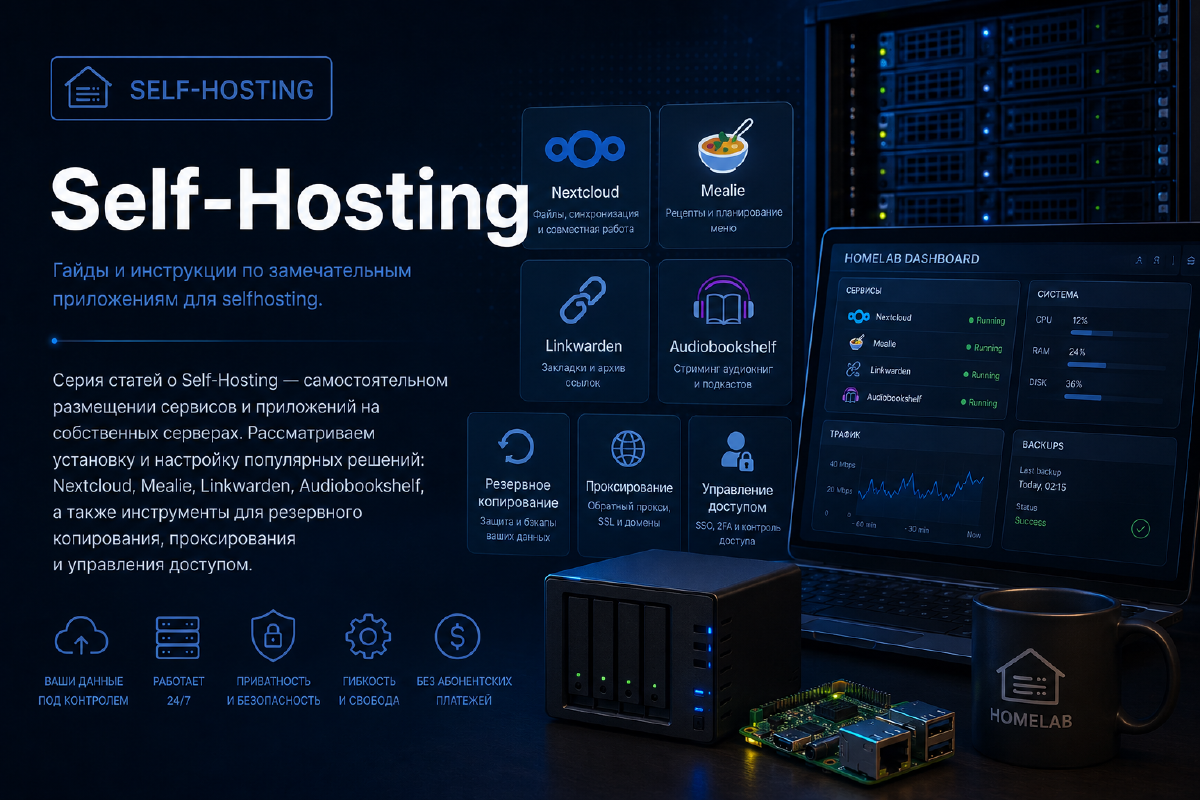
A series of articles about Self-Hosting - running services and applications yourself on your own servers. We cover installing and configuring popular solutions: Nextcloud, Mealie, Linkwarden, Audiobookshelf, as well as tools for backup, proxying, and access management.
ProHomeLab is open to authors who want to share their knowledge and practical experience in the world of homelabbing.
If you’re building your own home infrastructure, experimenting with servers, virtualization, containers, networking, NAS, monitoring, or automation, I’d love to feature your experience on the site.
It doesn’t matter how big your home lab is. What matters isn’t the number of servers in the rack, but real experience, interesting solutions, and knowledge worth sharing with others.
What you can write about # The topics ProHomeLab covers are fairly broad. For example:
How I moved the build and deploy of ProHomelab from a homemade Forgejo runner to a self-hosted GitHub Actions runner on my own LXC, merged content and site into a single repository - and what didn’t go according to plan.
Migrating ProHomeLab from its old shared host to GitHub Pages on top of an already configured Obsidian → Forgejo → Hugo pipeline, while preserving all URLs and search engine rankings.
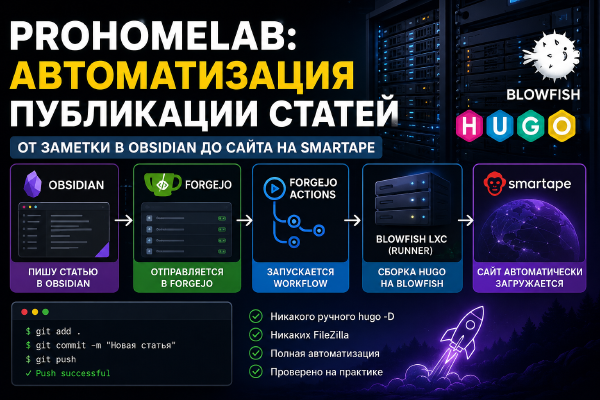
Fully automating ProHomeLab publishing: I write an article in Obsidian, the changes automatically land in Forgejo, Forgejo Actions triggers a Hugo build on a Blowfish LXC, and the finished site gets uploaded with no manual steps at all.
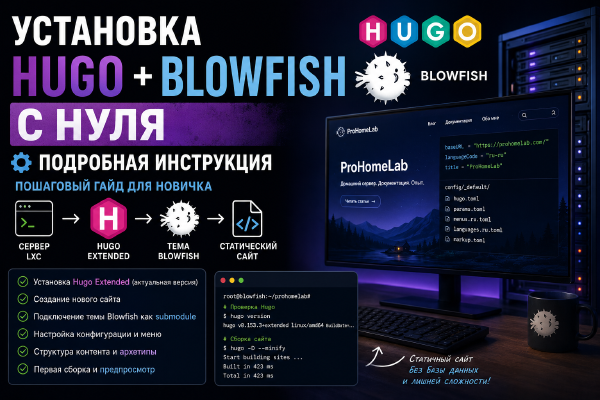
Deploying Hugo Extended and the Blowfish theme from a blank slate: from preparing an LXC and installing Hugo, to creating the site, connecting the theme, setting up the content structure, and the first production build.
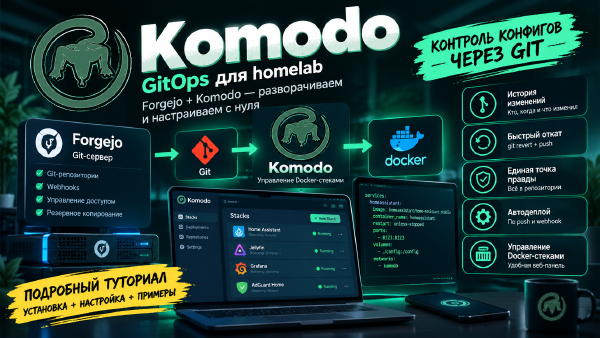
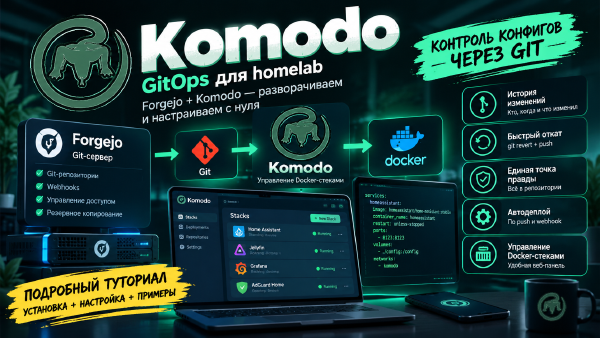
A detailed GitOps tutorial for beginners: deploying Forgejo as your own git server, Komodo to manage Docker stacks, and configuring auto-deploy on push, with every configuration parameter explained along the way.
Step by step, we build a GitOps setup for Docker Compose: Forgejo stores the configuration in Git, Komodo watches for changes and automatically updates the stacks on multiple servers.
Setting up Gotify in Docker and configuring push notifications from Proxmox VE, CrowdSec, and Komodo - a dedicated channel for infrastructure events, without a single message in the shared Telegram chat.
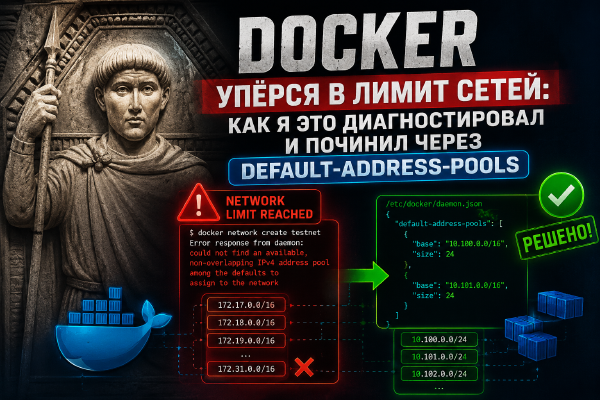
Breaking down a real case: after moving to a dedicated Docker network per compose stack, I hit the could not find an available, non-overlapping IPv4 address pool limit. Why this happens, how to diagnose it, and how to fix it for good via default-address-pools in daemon.json.
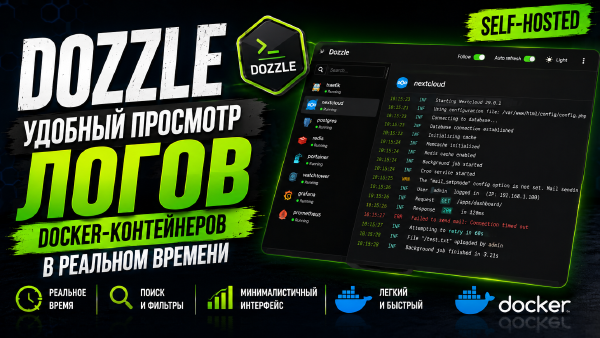
A step-by-step overview of Dozzle - a lightweight self-hosted tool for viewing Docker container logs in real time through a web interface. Installation via Docker Compose, setting up authentication, multi-host mode via agents, and recommendations for docker.sock security.
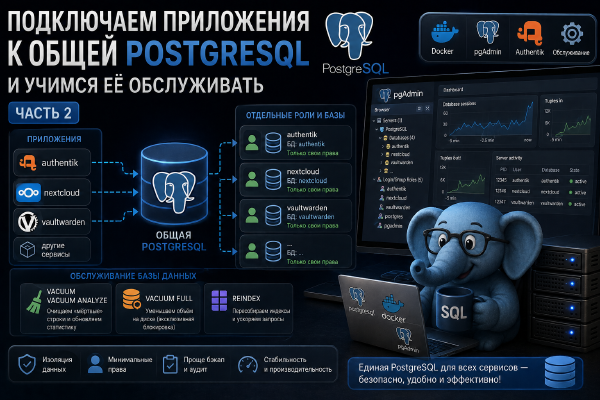
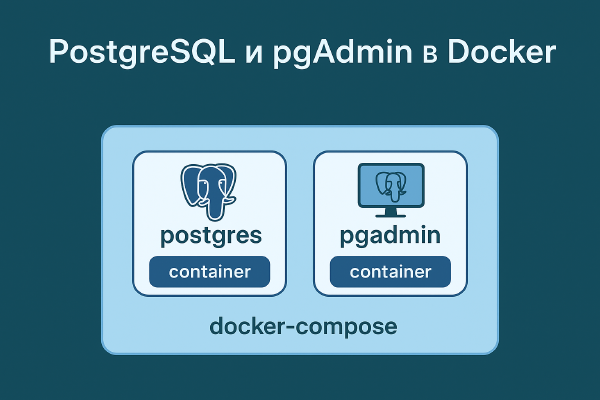
The second part of the series on a shared PostgreSQL for a home server. We create a dedicated, minimally privileged user and database in pgAdmin for a specific application, connect Authentik to the shared database instead of its own container, and cover basic maintenance - VACUUM, ANALYZE, REINDEX, and when you actually need to do any of this by hand.
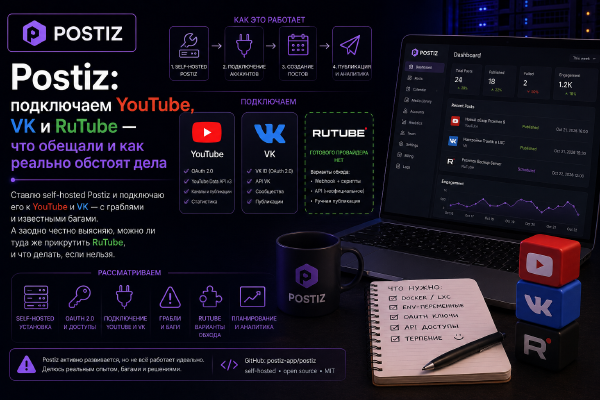
I set up self-hosted Postiz and try to connect it to YouTube, VK, and RuTube - walking through the real steps, the required env variables, and known bugs. In the end, out of three platforms, only one works reliably, and I honestly explain why.
NetBird turns your devices into one private mesh network and, more recently, doubles as a reverse proxy - so home services go public without a single open port on the router.
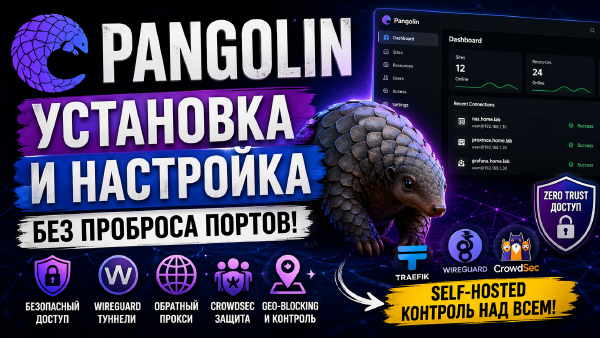
Pangolin lets you publish local services to the internet without opening ports, using secure tunnels and a convenient web interface - an ideal solution for a home server and homelab.
A detailed walkthrough for installing and configuring Grimmory: deploying it in Docker, adding books, organizing your library, and using the built-in web reader.
A detailed guide to installing and configuring BookLore: deploying it in Docker, adding books, organizing your library, and using the built-in web reader.
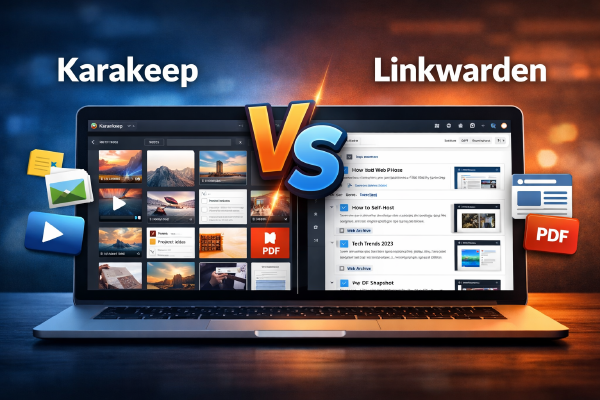
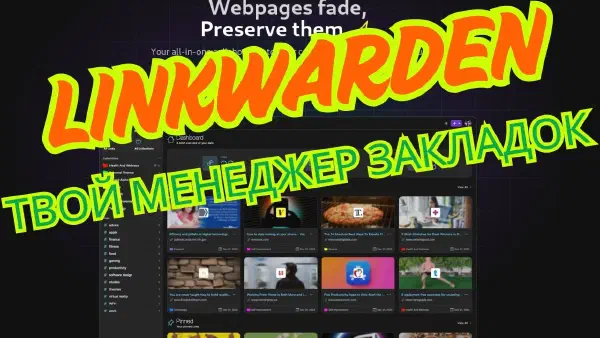
A detailed comparison of Karakeep and Linkwarden - self-hosted bookmark and link archive managers. We break down features, differences, architecture, a comparison table, and recommendations for homelab and DevOps.
In this article we’ve rounded up the most interesting self-hosted apps that appeared in 2025. From media servers and productivity tools to security and automation systems - let’s look at what’s worth trying and why.
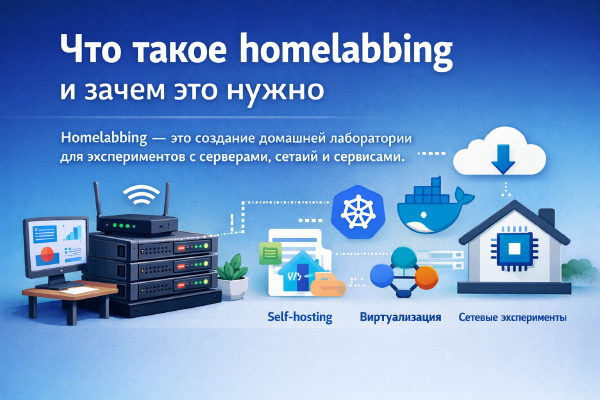
Homelabbing is building a home lab for experimenting with servers, networks, and services. It helps you learn technologies, test new solutions, and develop practical IT skills.
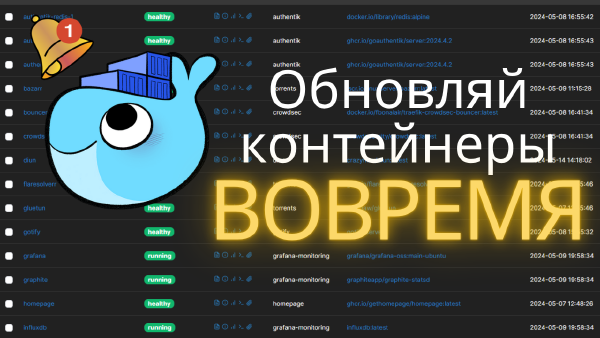
A detailed guide to installing and configuring Diun for tracking Docker image updates. Covers deployment steps, integration with notification services, and monitoring automation, so you can update your containers on time and improve system security.
A step-by-step walkthrough of running your own password vault in Docker instead of trusting Bitwarden’s cloud with it - from a bare-bones compose file to the SSO- and push-notification-enabled setup I actually run.
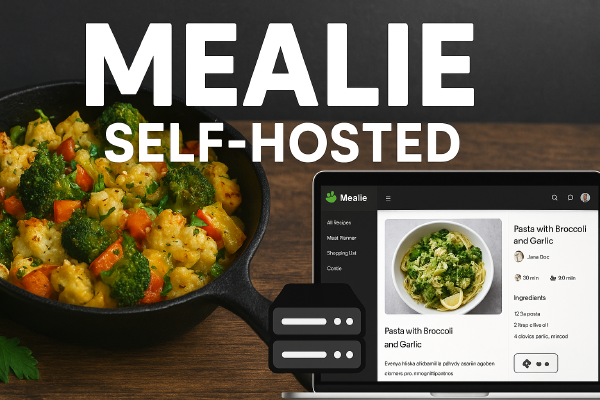
A step-by-step guide to installing and configuring Mealie for managing recipes on your own server. Covers installation via Docker, database setup, the web interface and mobile access, integration with external recipe sources, plus the new AI features (importing recipes from video) and unit standardization.
A detailed guide to installing and configuring PostgreSQL on a server. Covers installation steps, creating users and databases, setting up backups, and basic security for stable and reliable operation.
A step-by-step guide to installing and configuring Linkwarden for securely managing your links. Covers server installation, user setup, browser and mobile device integration, and basic security settings.
A detailed guide to installing and configuring Fedora Server 42. Covers the main steps: installing the system, configuring users, network services, and a baseline configuration for a secure and stable server.