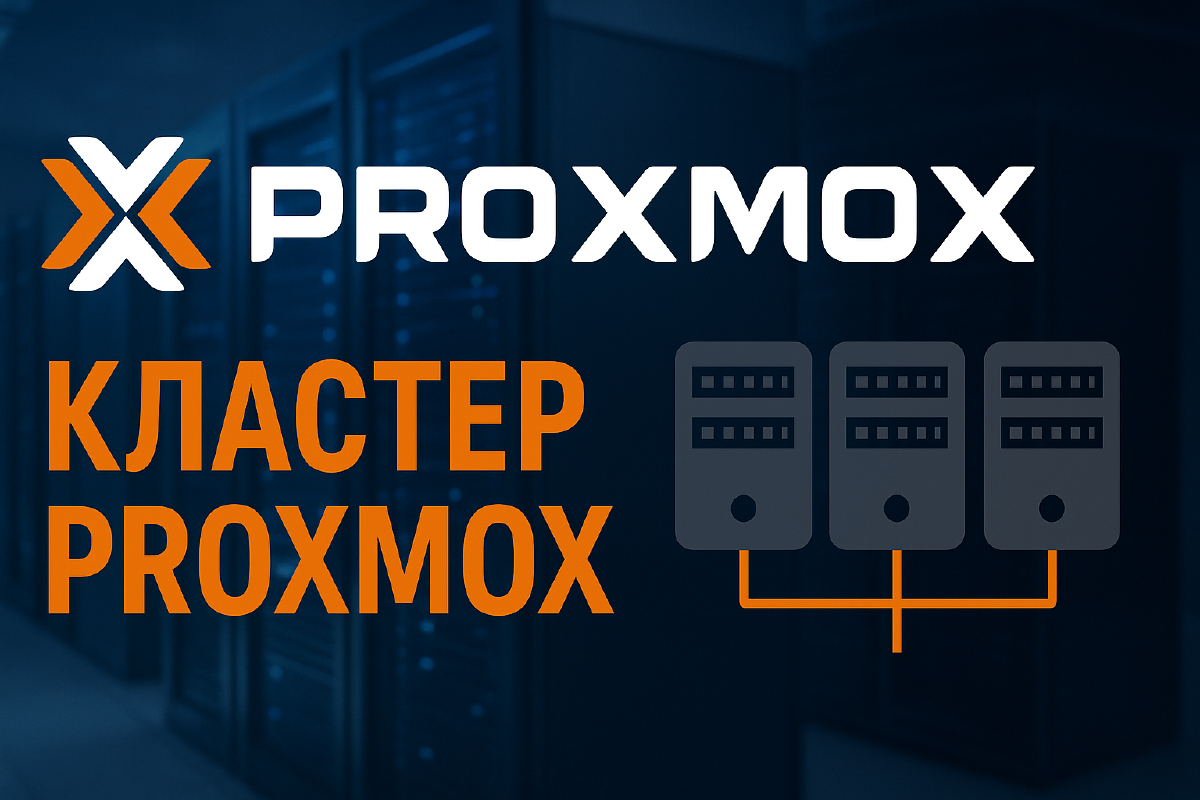

What is a cluster in Proxmox#
A cluster in Proxmox VE is the combination of several physical nodes into a single management system. This allows you to centrally manage virtual machines and containers, perform migrations between hosts, configure HA (High Availability), and distribute load.
The main goal is to increase fault tolerance and ease of administration.
What is Quorum#
Quorum is a voting mechanism inside a Proxmox cluster that determines whether the cluster can operate.
- Each cluster node has one vote.
- For the cluster to function, more than half of the votes are needed.
- If there’s no quorum, operations on virtual machines and containers are blocked to avoid split-brain (a situation where nodes start operating independently and conflict with each other).
Examples:#
- 2 nodes → 2/2 votes needed. If one goes down, there’s no quorum.
- 3 nodes → 2/3 votes is enough.
- 4 nodes → 3/4 needed.
- 5 nodes → 3/5 is enough.
Checking quorum#
pvecm statusThe output will show:
Quorate: Yes/No - whether there’s quorum,
Nodes - the number of nodes,
Expected votes - how many votes are needed,
Total votes - how many there are currently.
A two-node cluster#
The minimum possible configuration is a cluster of two nodes. However, keep in mind that for the voting (quorum) system to work correctly, it’s better to use an odd number of participants.
In a two-node cluster, situations can arise where, if the connection between nodes is lost, Proxmox can’t determine who’s “right.” In that case, split-brain kicks in, which is risky for data.
This setup is suitable for test benches or a lab, but is not recommended for production.
A two-node cluster + QDevice#
To stabilize the operation of a two-node cluster, a QDevice (Quorum Device) is used. This is a separate server or virtual machine that doesn’t act as a hypervisor but participates in voting. Put more simply, it acts as an arbiter to prevent a split-brain situation from occurring.
How it works:
- Node 1
- Node 2
- QDevice
Now the total number of votes is three, and the system can correctly determine who’s “alive.” This option is already suitable for production environments if you only have two servers.
A cluster of three or more nodes#
The classic and most stable scenario is a cluster of three nodes.
Advantages:
- There’s always an odd number of votes.
- The failure of one node doesn’t break the cluster.
- You can use migration and HA.
When scaling to 5, 7, or more nodes, you gain flexibility and scalability.
The main thing to remember:
- for quorum to work, it’s enough that more than half of the nodes are available;
- it’s recommended to have at least three servers for a reliable cluster.
A cluster of mixed hardware#
Proxmox doesn’t require identical hardware for a cluster. You can combine:
- server machines with ECC memory,
- home mini-PCs (for example, Intel NUCs or cheap Chinese boxes),
- even old workstations.
However, there are nuances:
- VM migration: if the processors differ significantly (Intel ↔ AMD), you’ll need to configure CPU compatibility, or migration won’t be possible.
- Performance: weaker nodes won’t be able to handle the same load as server-grade ones. That is, if a lot of VMs suddenly migrate from a “powerful” node, a weak node will simply become unusable due to the load.
- Network and disks: it’s better to have a single fast channel (1/10/25 Gbit) and identical storage for optimal operation.
Such a hybrid cluster is often used for a home lab environment.
Conclusion#
- 2 nodes - only for testing or a home environment. I use this myself.
- 2 nodes + QDevice - a working option for a small cluster.
- 3+ nodes - the optimal solution for fault tolerance.
- Mixed hardware can be used, but it’s important to consider CPU and performance limitations.
Proxmox makes the process of creating a cluster simple and accessible - even for small home setups.
A cluster and quorum are only half the story for real fault tolerance. The other half is picking the right storage, since HA simply won’t work if VM disks are physically tied to a single node. I go through which storage types actually qualify for HA in a separate article, Storage for HA in a Proxmox Cluster.