
Introduction#
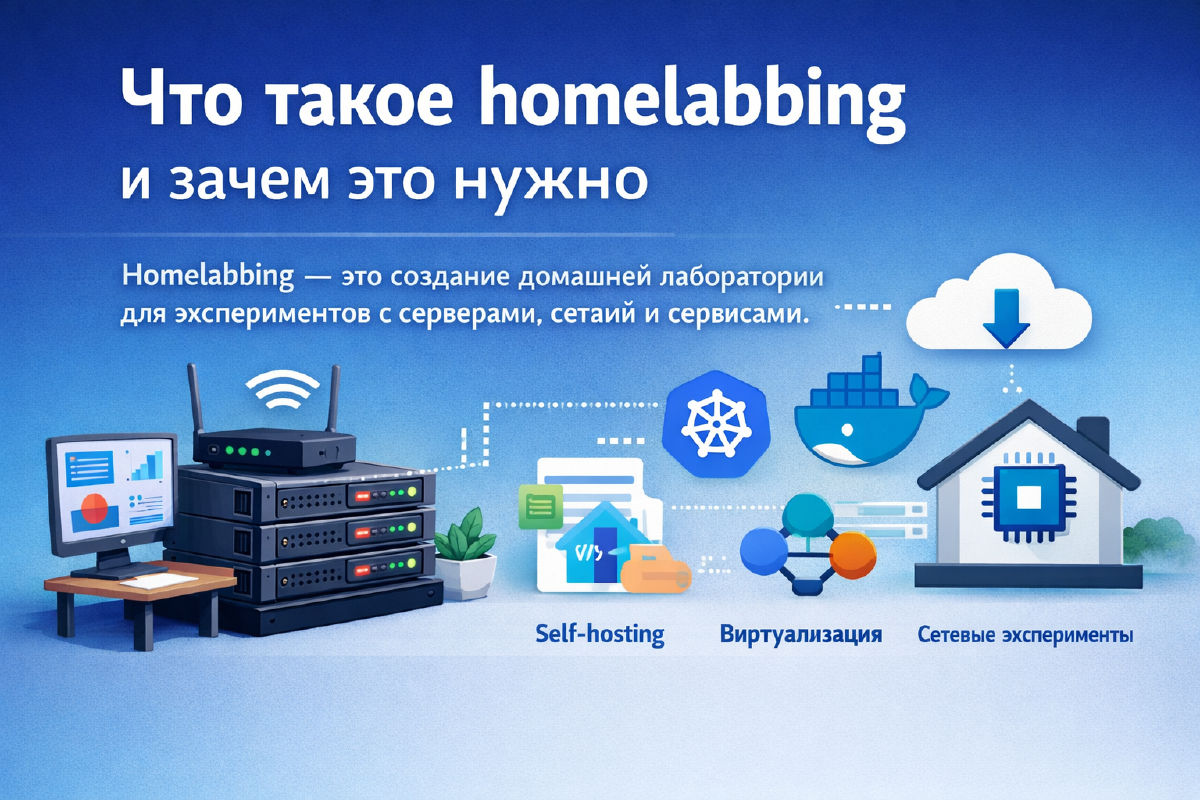
A homelab is your own personal sandbox for messing around with technology, networks, and servers. Think of it as a scaled-down version of a corporate IT setup that lives in your closet, spare room, or garage instead of a data center. Depending on how far you take it, a homelab might include anything from a single server to routers, switches, VMs, containers, and a pile of self-hosted services or automation tools.
Why people build homelabs#
Everyone gets into homelabbing for their own reasons, but a few motivations come up again and again:
Learning by doing.
A homelab is the one place you can break things on purpose without taking down anything that actually matters. It’s the perfect playground for practicing server administration, poking at network protocols, running databases, and getting comfortable with virtualization and cloud tools.Testing and experimenting.
Got a new OS version you want to try, or a web service you’ve been meaning to spin up? A homelab lets you throw things at the wall and see what sticks - new configs, backup strategies, automation pipelines, whatever.Self-hosting your own services.
This is where a lot of people end up: running your own cloud storage, media server, VPN, or smart home hub instead of handing that job to some third party. Less dependence on outside providers, and your data stays yours.Squeezing more out of less.
Running a homelab teaches you a lot about resource optimization - load balancing, splitting work across servers and containers, that kind of thing. Beyond the learning value, it’s genuinely useful when you’re trying to get the most out of limited hardware.A boost for your career.
If you work in IT or DevOps, having a homelab on your resume (or just being able to talk about it in an interview) is a real advantage. It shows you’ve actually gotten your hands dirty with infrastructure, not just read about it.
What goes into a home lab#
A homelab can be as bare-bones or as elaborate as you want. The usual building blocks are:
- Hardware. Old PCs, mini servers, or dedicated boxes like a NUC.
- Networking gear. Routers, switches, access points, and the occasional virtual network.
- Software. Virtualization platforms (Proxmox, VMware, VirtualBox), containers (Docker, Kubernetes), plus whatever you use for monitoring and management.
- Services and apps. Nextcloud, Plex, Home Assistant, databases, web servers - pick your poison.
Actually starting: a first-homelab checklist#
Reading about homelabs and starting one are two different things, and the gap between them is usually just a handful of decisions. Here’s the order I’d make them in:
- Pick hardware you already have, first. An old laptop, a retired office PC, anything with 8+ GB of RAM will run a real homelab. Don’t buy anything until you’ve hit a wall with what you’ve got - and when you do go shopping, a low-power mini-PC or SBC is plenty for one or two people’s worth of services (I’ve reviewed one such box, the ZimaBoard 2, if you want a concrete example of what “enough hardware” looks like).
- Put a hypervisor on it, not a desktop OS. Proxmox VE is the default recommendation for a reason: free, runs VMs and lightweight LXC containers side by side, and lets you tear down and rebuild a test environment in minutes instead of reinstalling an OS.
- Pick one service you actually want, not ten. The classic failure mode is spinning up a dozen containers in a weekend and never touching half of them again. A password manager you’ll use daily - Vaultwarden, for instance - is a better first project than a media server you might open twice a month, precisely because you’ll notice immediately if it breaks.
- Expect to break something, on purpose or not. The value of a homelab is that breaking a container, a network config, or a whole VM costs you an evening, not your job. Snapshot before you touch anything important, then go poke at it without the fear you’d have on a production system.
- Only then start layering on the rest - a second host, networking segmentation, monitoring, backups. Those all matter eventually, but none of them are what makes something a “homelab” versus a pile of hardware; the one service you actually use daily is.
Conclusion#
Homelabbing is more than just a fun hobby - it’s a genuinely useful way to learn and experiment. It gives you a safe space to try out new technology, sharpen your sysadmin and networking chops, and build the services you actually want to run. No matter your skill level, there’s always something new to try, break, and fix. If you’re looking to go deeper into tech and get real hands-on experience, building your own homelab is a solid step toward both professional growth and a bit of independence from the cloud.